
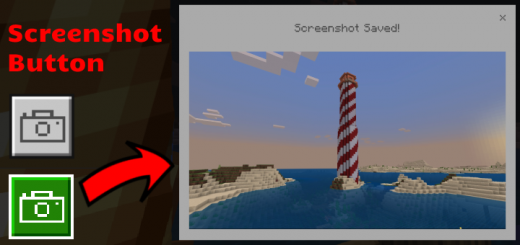
About Screenshot Button
Created By PrimeMinus
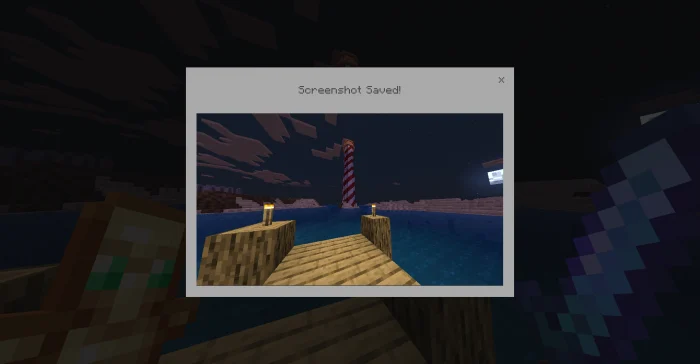
Want to take screenshots anywhere in game? This pack lets you take in-game screenshots in worlds and servers. The screenshot button captures everything in game while hiding your hotbar, buttons and hand. How to Take a Screenshot
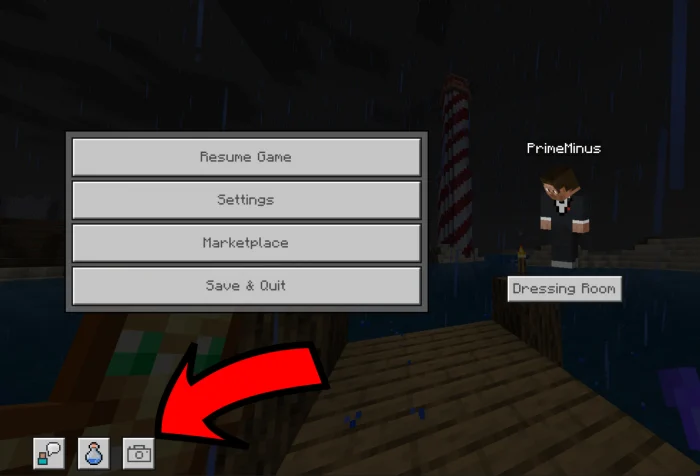
Press the screenshot button in the bottom left on the pause screen.
Where are the screenshots saved? Android: /Android/data/com.mojang.minecraftpe/files/games/com.mojang/Screenshots
Screenshot Button screenshots
How to install Screenshot Button
- Download the .mcpack file using the button on this page.
- Open the downloaded file with Minecraft Bedrock Edition.
- Wait for Minecraft to confirm that the import has completed.
- Activate the imported pack in the world settings.
- Back up important worlds before installing community content.
Download Screenshot Button (1.16, 1.17, 1.18, 1.19) Textures for free
Preparing your download…
If the download did not start automatically, click here.


