
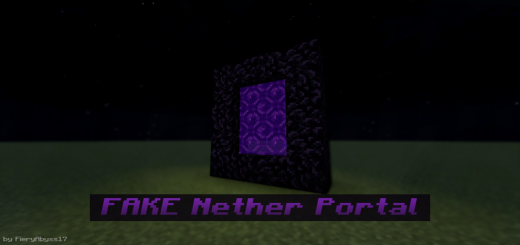
About Fake Nether Portal
Created By FieryAbyss
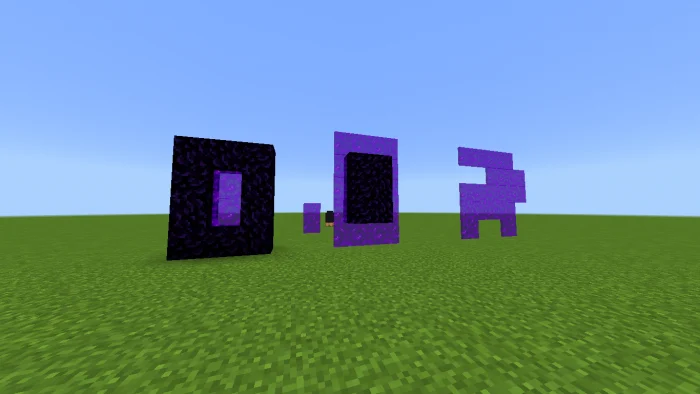
This texture pack lets you create fake nether portals which are useful for decoration or for pranking your friends, this will turn the magenta glass pane into a portal. You can use any texture pack that will work with this. maybe I will make another version for end portal
This texture pack is very simple, you only need a magenta glass pane to create a fake nether portal.
Fake Nether Portal screenshots
How to install Fake Nether Portal
- Download the .mcpack file using the button on this page.
- Open the downloaded file with Minecraft Bedrock Edition.
- Wait for Minecraft to confirm that the import has completed.
- Activate the imported pack in the world settings.
- Back up important worlds before installing community content.
Download Fake Nether Portal (1.16, 1.17, 1.18, 1.19) Decorations for free
Preparing your download…
If the download did not start automatically, click here.


