About Bebe Player
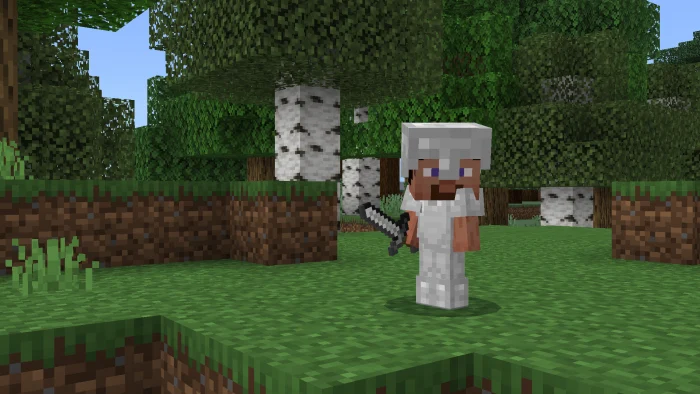
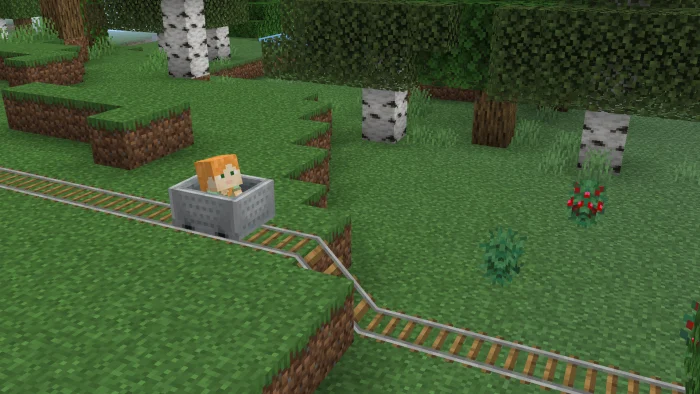
This resource pack changes how players look, making them smaller like baby character. Importantly, this change happens without using an behavior pack. Plus, it works in multiplayer, so many players can be small at the same time.
Bebe Player screenshots
How to install Bebe Player
- Download the .mcpack file using the button on this page.
- Open the downloaded file with Minecraft Bedrock Edition.
- Wait for Minecraft to confirm that the import has completed.
- Activate the imported pack in the world settings.
- Back up important worlds before installing community content.
Creator: MareCochlea
Download Bebe Player (1.20) Textures for free
Preparing your download…
If the download did not start automatically, click here.