
About Among Us Map Builder (1.14|1.16)
This map allows players to make their own among us levels in minecraft! Yes you heard me, IN MINECRAFT!
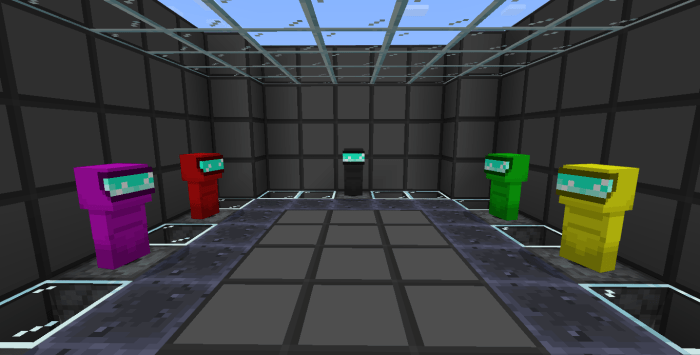
This map comes with 7 colors of space suits you can choose
• Red (hot, original) • Black (my fav :3) • Blue (looks cool ngl) • White (clean and slick) • Purple (green sus) • Green (Go green!) • Yellow (I’m neutral)
This map currently have few systems running
• Win/lose condition made automatic
• Starting the game is automatic
• Color choosing
• Multiple maps in single world
• Dead body reporting
Future plans for this map
• Tasking system
• Voting system
For now in this map you have to manually do these
• Task, you can do something like retrieve all items, kill all pigs, etc. When the task is done, you can do /function crewmates_win
• Voting system, vote in the chat, ask world owner to /kill a person
How to install Among Us Map Builder (1.14|1.16)
- Download the .zip file using the button on this page.
- Open the downloaded file with Minecraft Bedrock Edition.
- Wait for Minecraft to confirm that the import has completed.
- Select the imported world from the Minecraft world list.
- Back up important worlds before installing community content.
Download Among Us Map Builder (1.14|1.16) Creation for free
Preparing your download…
If the download did not start automatically, click here.


