
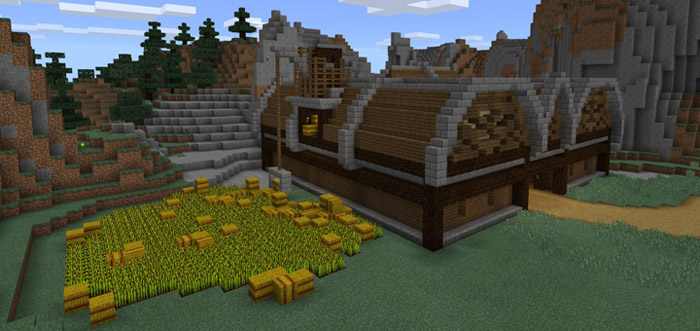
About BluJay’s Let’s Play World
This map features a survival world which has been built during a series of 20 Let’s Play episodes and today’s the first time it’s being released as a download for the public. The world includes several redstone creations such as mob farms and smelters. But also just the base as a whole is really well designed which makes it something fun to explore.
How to install BluJay’s Let’s Play World
- Download the .zip file using the button on this page.
- Open the downloaded file with Minecraft Bedrock Edition.
- Wait for Minecraft to confirm that the import has completed.
- Select the imported world from the Minecraft world list.
- Back up important worlds before installing community content.
Download BluJay’s Let’s Play World Creation for free
Preparing your download…
If the download did not start automatically, click here.


