
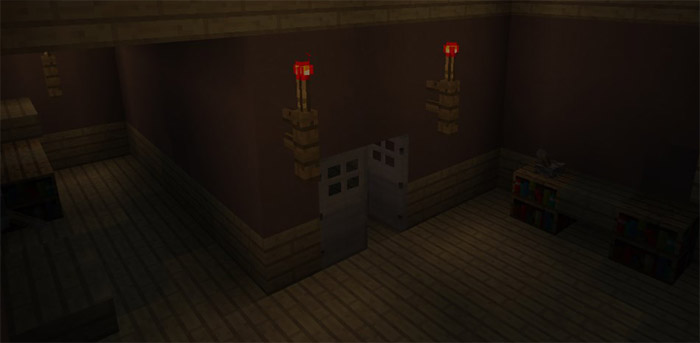
About The Uncaged (Escape)
One day you wake up and for unknown reasons find yourself stuck inside a strange house. It’s completely quiet and there are just few candles lighting the way. It’s really a mystery how you got there but one thing is for certain and that is that you must find a way out of this mysterious house. The Uncaged is a short adventure map taking place in a creepy environment with a couple of jumpscares.
Creator: Sopasman
Rules & Settings Don’t break blocks unless told otherwise Play on survival mode Brightness: 100% Music & Sounds: 100% Render distance: low Recommended: Headphones for max horror Set the UI profile to classic!
How to install The Uncaged (Escape)
- Download the .zip file using the button on this page.
- Open the downloaded file with Minecraft Bedrock Edition.
- Wait for Minecraft to confirm that the import has completed.
- Select the imported world from the Minecraft world list.
- Back up important worlds before installing community content.
Download The Uncaged (Escape) Adventure for free
Preparing your download…
If the download did not start automatically, click here.


