
About One Night At Frankie’s 2
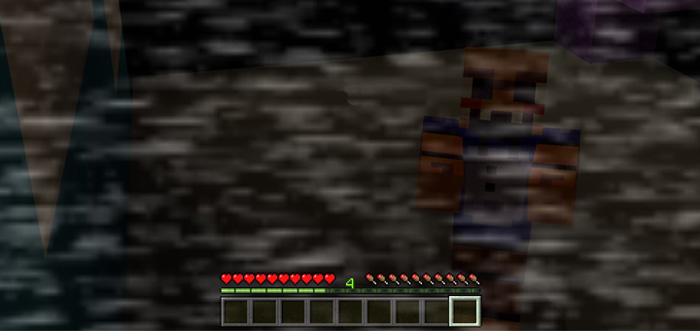
This map is the sequel to One Night At Frankie’s which is a previously released horror map based on the popular Five Nights At Freddy’s PC game. You work as a guard at some business and tonight you have the night shift. But things aren’t as usual. The animatronics come to life at night and it’s up to you find them before they find you. Beware, there are multiple jumpscares!
Creator: CreeperGamerZXZ
How to play? Make sure to read the rules in-game first as it will allow you get a better grasp about the game mechanics. You’ll basically have a few different tools which you can use including cameras, lights and locks.
Button in front of you is the lights Behind you is the generator Wooden button is the camera Levers are door locks
Rules & Recommended Settings Field of View: 109 Brightness: 50 Texture Pack: Enabled Device Sound + Minecraft Sounds = Max (keep your ears safe though!) Recommended: Headphones (gives a better experience)
How to install One Night At Frankie’s 2
- Download the .zip file using the button on this page.
- Open the downloaded file with Minecraft Bedrock Edition.
- Wait for Minecraft to confirm that the import has completed.
- Select the imported world from the Minecraft world list.
- Back up important worlds before installing community content.
Download One Night At Frankie’s 2 Horror for free


