
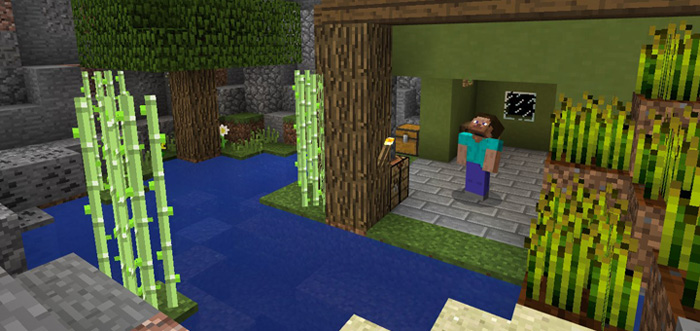
About BrainGames 5
This is the fifth map in the BrainGames puzzle map series. It features six different levels of changing difficulty. In each level you will be presented with a problem which your task will be to solve. It sure takes quite a bit of brainpower to complete but that’s pretty much the whole point of a puzzle map. If you like puzzles and problem solving make sure to give it a try!
How to install BrainGames 5
- Download the .zip file using the button on this page.
- Open the downloaded file with Minecraft Bedrock Edition.
- Wait for Minecraft to confirm that the import has completed.
- Select the imported world from the Minecraft world list.
- Back up important worlds before installing community content.
Download BrainGames 5 Puzzle for free
Preparing your download…
If the download did not start automatically, click here.

