
About The Farlands
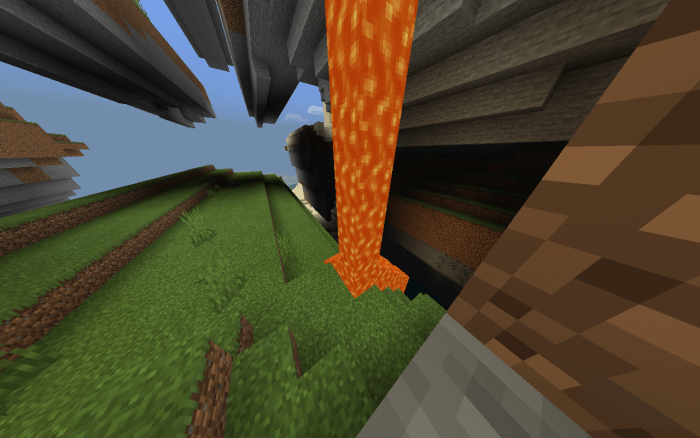
Do you remember the farlands in the old versions of Java Edition? Nowadays, since past updates, they took off the farlands, for it was a generation bug, but in Minecraft PE, it is still there. Today, you can download this awesome map and see the farlands for yourself!
There are also places farther than the farlands, crazy huh? The first place farther than the farlands is known as the stripelands! Here is the command on how to get there: /tp @p 20000000 100 1
And the second place is even farther from the stripelands, it is known as the blocklands, and here is the command to get there: /tp @p 30000000 100 30000000
How to install The Farlands
- Download the .zip file using the button on this page.
- Open the downloaded file with Minecraft Bedrock Edition.
- Wait for Minecraft to confirm that the import has completed.
- Select the imported world from the Minecraft world list.
- Back up important worlds before installing community content.
Download The Farlands Survival for free
Preparing your download…
If the download did not start automatically, click here.


