
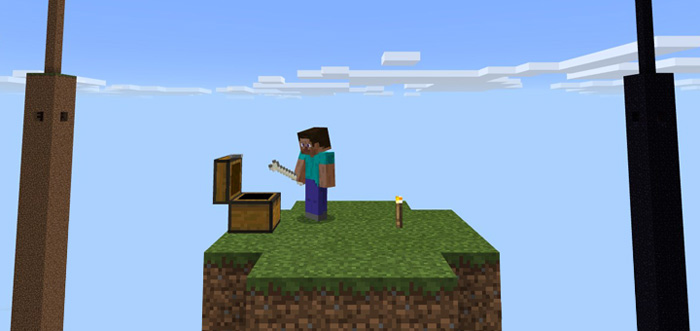
About 4 Pillar Survival PE
4 Pillar Survival is challenging survival map where you will find yourself stranded on a skyblock island surrounded by four huge pillars. Each pillar symbolizes a biome (or in one case a dimension) and together they include most blocks which you would find in an ordinary survival world. You’ll also find a villager in each pillar which you can trade with to obtain better items and blocks.
Ported by: Dauntain (includes PE customizations) Creator: JonCris (original PC map)
How to play? The main objective is to survive for as long as possible. But there is also a list of challenges which you need to complete to complete the map. Some of the challenges might be impossible since that list was written for the PC version of this map.
On the inside of each pillar you’ll find a villager.
There are also treasures and ores which might come useful for your survival.
How to install 4 Pillar Survival PE
- Download the .mcworld file using the button on this page.
- Open the downloaded file with Minecraft Bedrock Edition.
- Wait for Minecraft to confirm that the import has completed.
- Select the imported world from the Minecraft world list.
- Back up important worlds before installing community content.
Download 4 Pillar Survival PE (1.16) for free


