
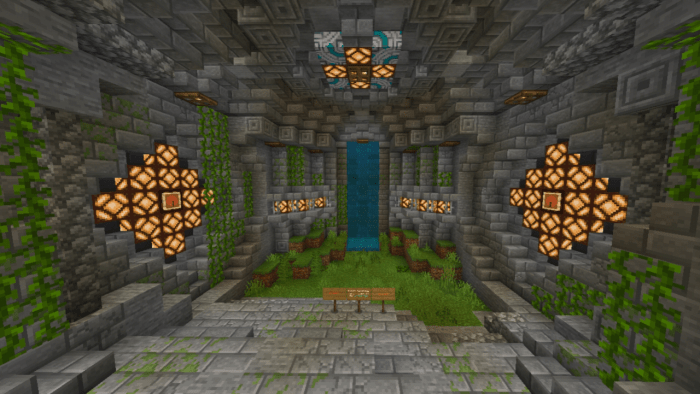
About Secured Redstone Base
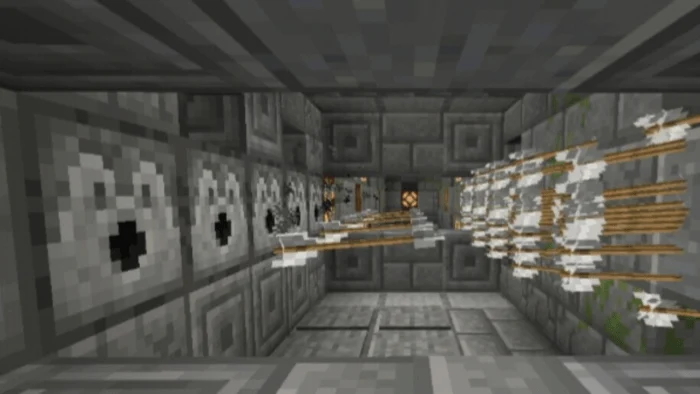
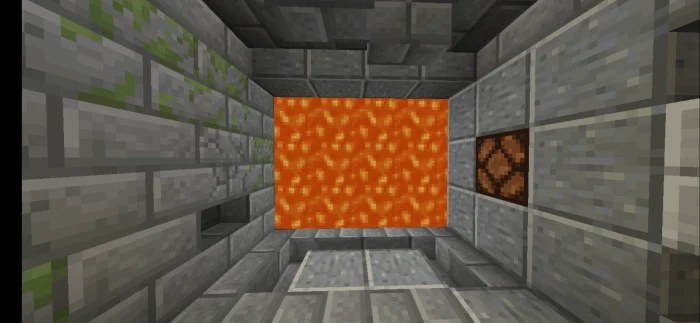
In this map, is full of passcodes, traps and tons of securities and even secret entrances and much more mechanisms that are from the Java edition imported in the bedrock edition using redstones.
Secured Redstone Base screenshots
How to install Secured Redstone Base
- Download the .mcworld file using the button on this page.
- Open the downloaded file with Minecraft Bedrock Edition.
- Wait for Minecraft to confirm that the import has completed.
- Select the imported world from the Minecraft world list.
- Back up important worlds before installing community content.
Download Secured Redstone Base (1.14, 1.16) for free
Preparing your download…
If the download did not start automatically, click here.


