
About DreamSMP Pandora’s Vault
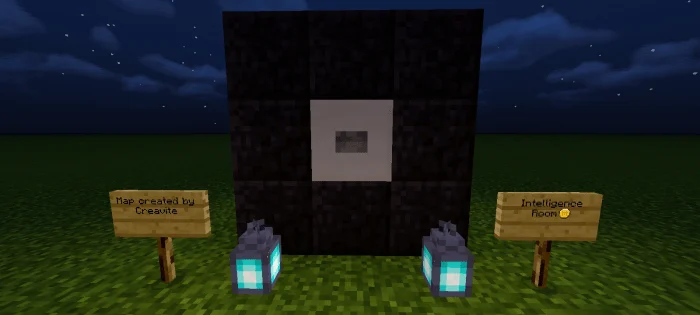
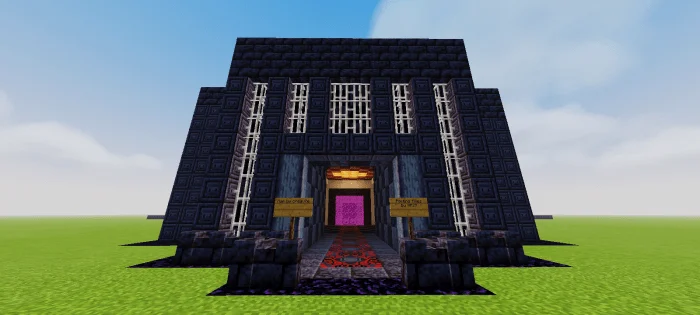
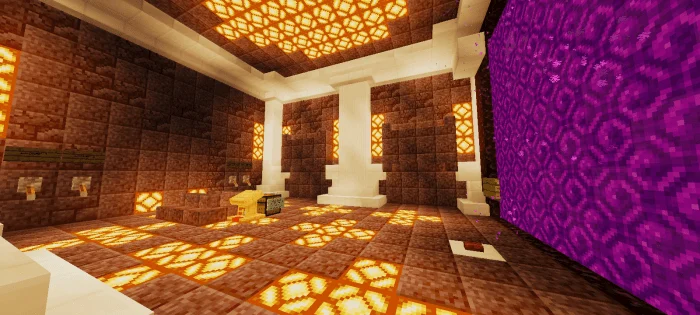
Upon opening the world, you will see yourself in front of a portal room that can teleport you inside the prison, behind you is also a box with a button that can lead you to the information room. Entering the interior of the entrance in the prison, you have access to the warden’s room. Behind the first door of the guard’s entrance you can ride on a flying machine Bridge that takes you to the other side, the Vault room, most commonly known as Pandora’s Vault.
DreamSMP Pandora’s Vault screenshots
How to install DreamSMP Pandora’s Vault
- Download the .mcworld file using the button on this page.
- Open the downloaded file with Minecraft Bedrock Edition.
- Wait for Minecraft to confirm that the import has completed.
- Select the imported world from the Minecraft world list.
- Back up important worlds before installing community content.
Download DreamSMP Pandora’s Vault (1.16, 1.16 Beta) Creation for free
Preparing your download…
If the download did not start automatically, click here.


