
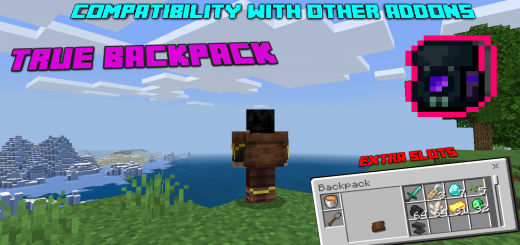
About True Backpack
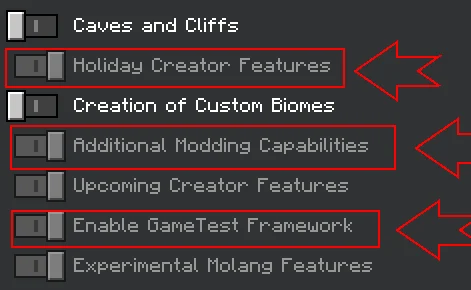
- activate ALL EXPERIMENTAL MODES
Looking for a backpack to carry your items? Well, here is an addon that adds a backpack that can help you in addition to an indicator so that you know if you have the backpack or not
True Backpack screenshots


How to install True Backpack
- Download the .mcaddon file using the button on this page.
- Open the downloaded file with Minecraft Bedrock Edition.
- Wait for Minecraft to confirm that the import has completed.
- Activate the imported pack in the world settings.
- Back up important worlds before installing community content.
Creator: TrueCowboy
Download True Backpack (1.20) Tools for free
Preparing your download…
If the download did not start automatically, click here.


