
About FurniDeco
⚠️Turn on the following experimental toggles in your world settings
Holiday Creator Features Upcoming Creator Features Experimental Molang Features
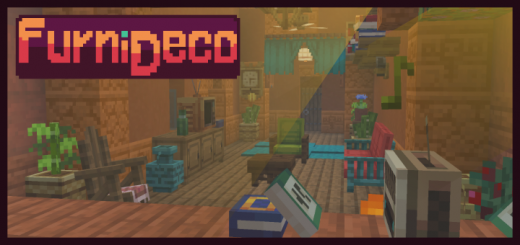
FurniDeco adds 25 pieces of functional, decorative and unique-looking furniture that fit with the vanilla style. With more than 80 variants in total, FurniDeco gives you endless options to furniture & decorate your builds!
The Carpentry Table
The Carpentry Table makes it super easy to obtain furniture in survival mode by just crafting it! All you have to do is pop in the materials required
FurniDeco screenshots


How to install FurniDeco
- Download the .mcaddon file using the button on this page.
- Open the downloaded file with Minecraft Bedrock Edition.
- Wait for Minecraft to confirm that the import has completed.
- Activate the imported pack in the world settings.
- Back up important worlds before installing community content.
Creator: Arexon
Download FurniDeco (1.20) Decorations for free
Preparing your download…
If the download did not start automatically, click here.


