
About Long Range Rockets
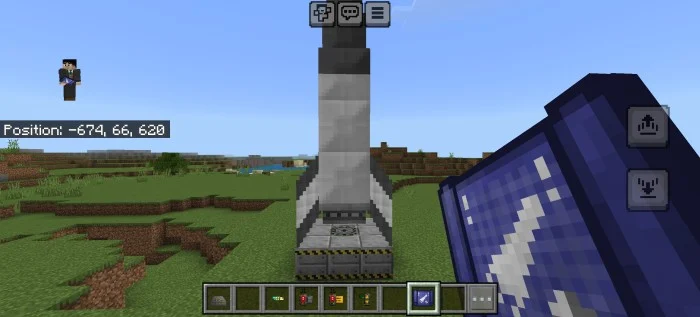
an addon which adds long-range rockets (currently 2) which travels in 125-800+ blocks, the items and the rocket itself is currently available in creative mode. the addon is complex to use so read this page properly to understandAddon will work in 1.17.0 and above and also requires experimental features to be enabled in your Minecraft world in order for the addon to work.
How to setup the rockets
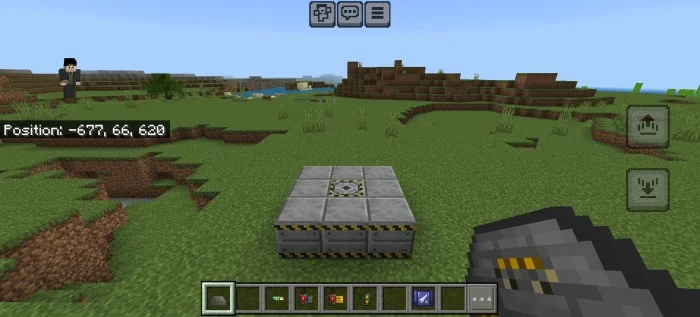
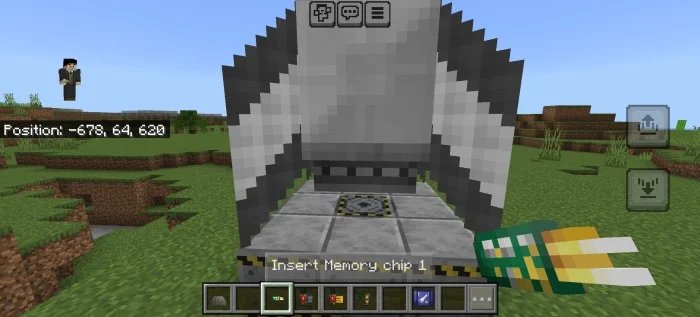
- Place the launch pad
- Place the rocket in the launch pad
- Place the rocket chip in the rocket
- Done
Items
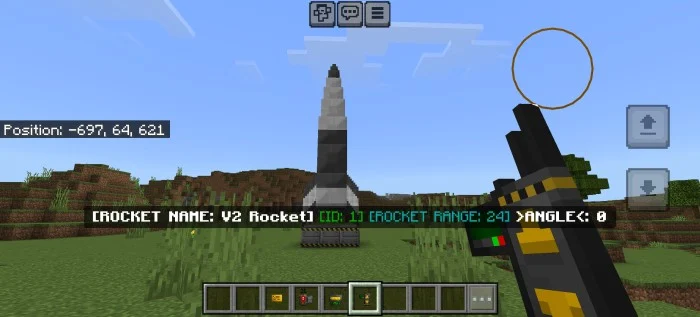
Angle controller: Used for setting up the Rocket's angle Long press to increase the angle Sneak + Long press to decrease the angle
Range controller
Used for setting up the Rocket's range Long press to increase the range Sneak + Long press to decrease the range Limit range: 30 (850 blocks)
Detonation device
Used for launching the Rocket Requires a Rocket card
Rocket ID Chip
Required in order to control and launch the rocket
Rocket card
Required in order to launch the rocket
Launch pad
Required in order to place the rocket
Rocket calculation papers
Used to guide the player
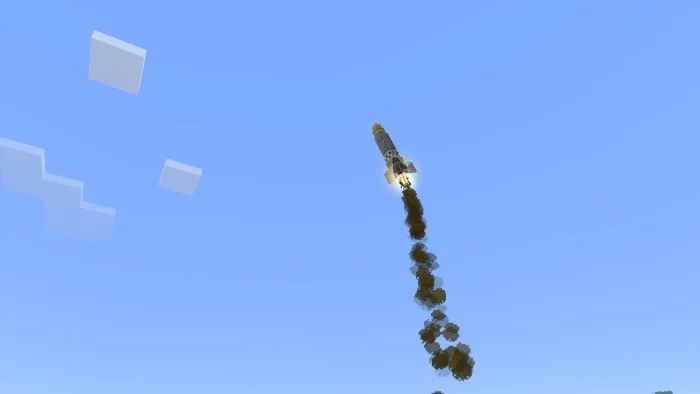
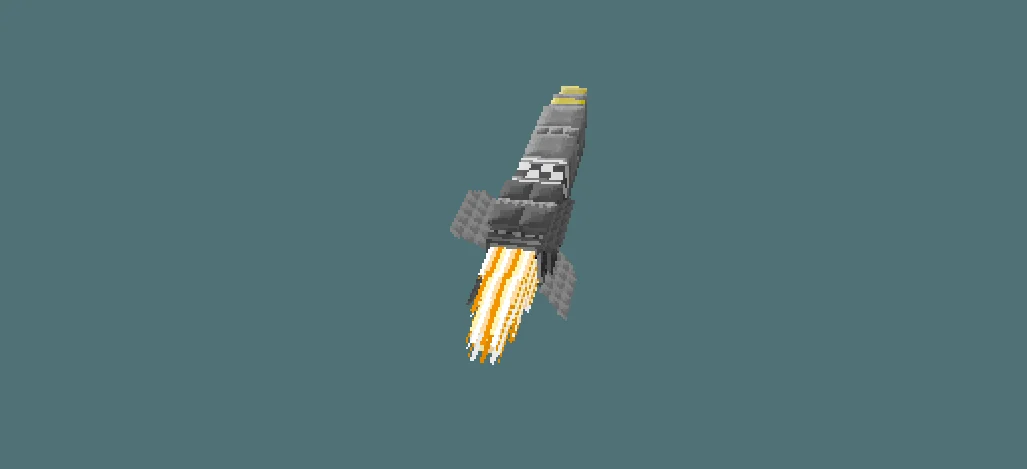
Long Range Rockets screenshots
How to install Long Range Rockets
- Download the .mcaddon file using the button on this page.
- Open the downloaded file with Minecraft Bedrock Edition.
- Wait for Minecraft to confirm that the import has completed.
- Activate the imported pack in the world settings.
- Back up important worlds before installing community content.
Creator: Mr. Husana909
Download Long Range Rockets (1.17, 1.18, 1.19, 1.20) Tools for free


