
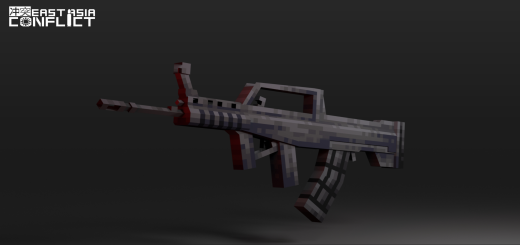
About East-Asia Conflict
We present an addon theme depicting scenarios of East Asian conflicts! Featuring firearms unique to East Asian countries such as QBZ-95, K2, and even the Japanese Type-89!
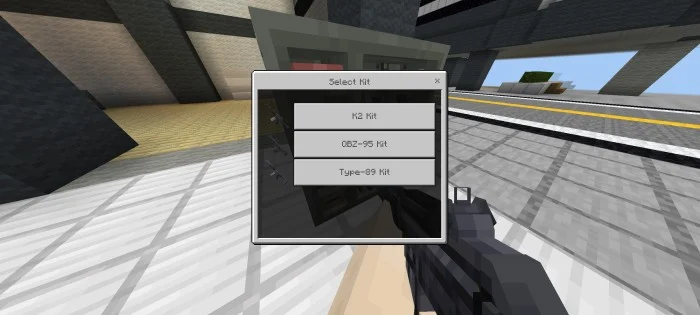
Not only that, you can customize your firearms into different variants using the kit system! Accessible through the firearm locker, by holding specific firearms like QBZ-95/K2/Type-89, you can explore various firearm variants with unique characteristics and stats that you must try.
We also provide options for no-delay damage and normal damage. The significant difference is the no-delay damage option, reducing the damage delay on mobs or players, making your firearm more ammo-efficient. The normal damage option is useful if you want to use other addons like more mobs addons.
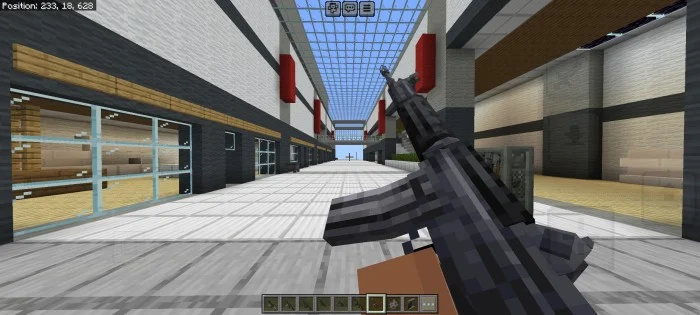
East-Asia Conflict screenshots
How to install East-Asia Conflict
- Download the .mcaddon file using the button on this page.
- Open the downloaded file with Minecraft Bedrock Edition.
- Wait for Minecraft to confirm that the import has completed.
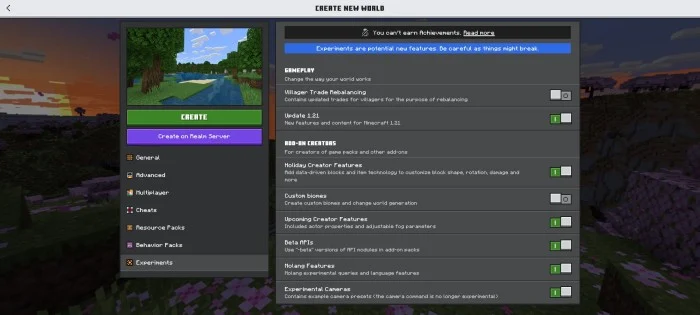
- Activate the imported pack in the world settings.
- Back up important worlds before installing community content.
Creator: AduhKakangKung-557
Download East-Asia Conflict (1.20) Weapon for free


