
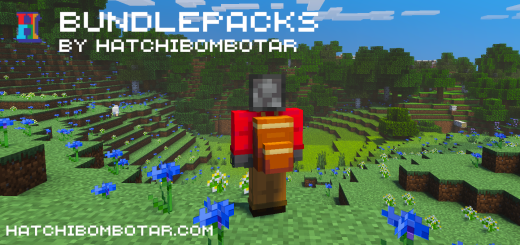
About Bundlepacks
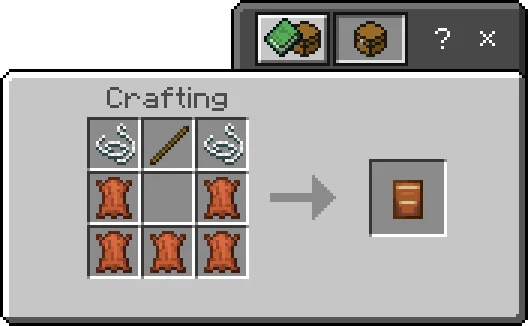
This addon adds backpacks to the game! They allow you to move large amounts of items from place to place or just to use them for more inventory space cheaply.
- Hold the item in your hand
- Wait for the open button to appear above your hotbar
- Press the button and use the bundlepack as a normal container.
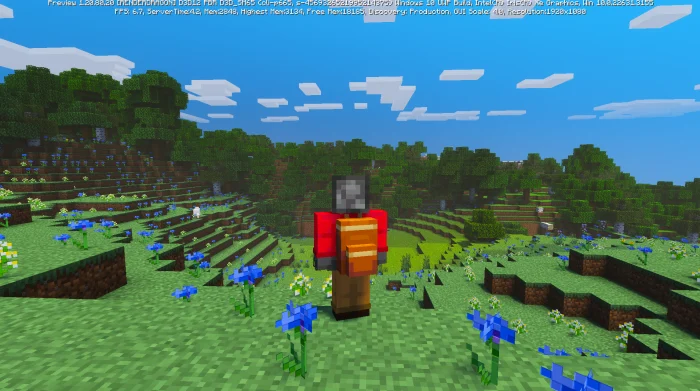
Bundlepacks screenshots
How to install Bundlepacks
- Download the .mcaddon file using the button on this page.
- Open the downloaded file with Minecraft Bedrock Edition.
- Wait for Minecraft to confirm that the import has completed.
- Activate the imported pack in the world settings.
- Back up important worlds before installing community content.
Creator: hatchibombotar
Download Bundlepacks (1.20) Tools for free
Preparing your download…
If the download did not start automatically, click here.


