
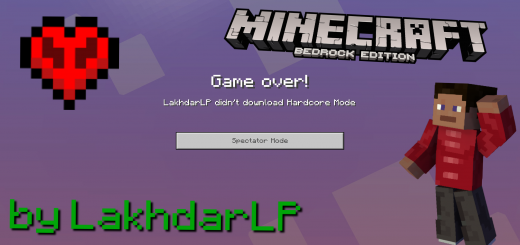
About Hardcore Mode with Spectator Mode
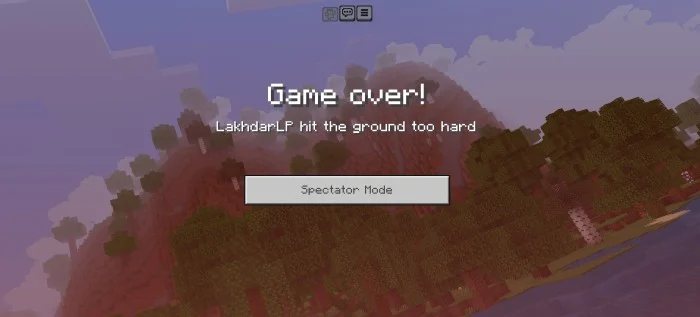
This addon adds Hardcore Mode with Spectator Mode. In Hardcore Mode you cannot respawn, if you die. You can only enable Spectator Mode. This addon works on worlds, servers and realms. It's not complicated to install, even if you don't know how. Just follow the installation instructions below.
How to install on worlds
Create a world and enable Hardcore Mode in "Behavior Packs". The resource pack will be activated automatically.
How to install on realms
Create a world with Hardcore Mode enabled on your device. Then upload the world to your realm. Creating the world in the realm settings does not work!
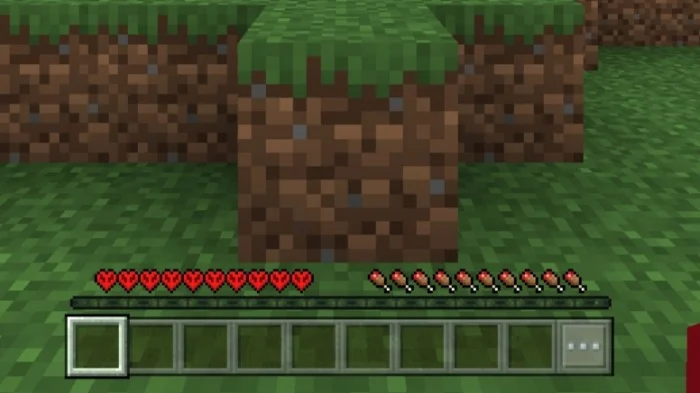
Hardcore Mode with Spectator Mode screenshots
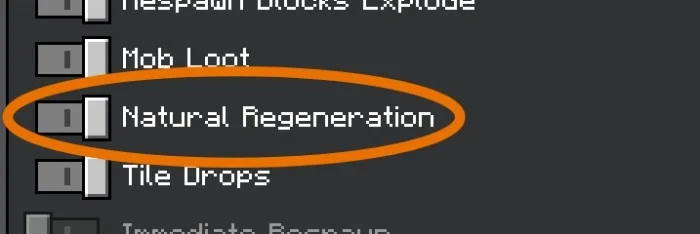
How to install Hardcore Mode with Spectator Mode
- Download the .mcaddon file using the button on this page.
- Open the downloaded file with Minecraft Bedrock Edition.
- Wait for Minecraft to confirm that the import has completed.
- Activate the imported pack in the world settings.
- Back up important worlds before installing community content.
Creator: Lakhii
Download Hardcore Mode with Spectator Mode (1.20) Gameplay for free
Preparing your download…
If the download did not start automatically, click here.


