
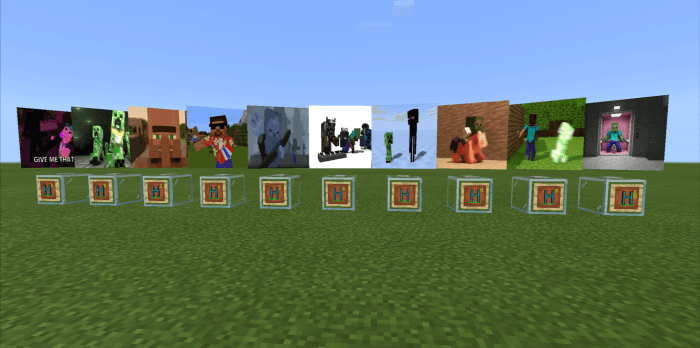
About Hologram
This addon makes cool hologram effect into your world. Great for designing and quite useful also on Multiplayer.
HOW TO USE
– Select your desired hologram from the creative menu – Place it – Click Turn Off (Interact) to shut down, and click Turn On (Interact) to power on – To remove, simply crouch fhen click the Remove button (Interact)
You can also use your own hologram. Just replace these files inside textures/hologram folder and named them accordingly (custom1, custom2…)
How to install Hologram
- Download the .mcaddon file using the button on this page.
- Open the downloaded file with Minecraft Bedrock Edition.
- Wait for Minecraft to confirm that the import has completed.
- Activate the imported pack in the world settings.
- Back up important worlds before installing community content.
Download Hologram (1.16) Decorations for free
Preparing your download…
If the download did not start automatically, click here.


