
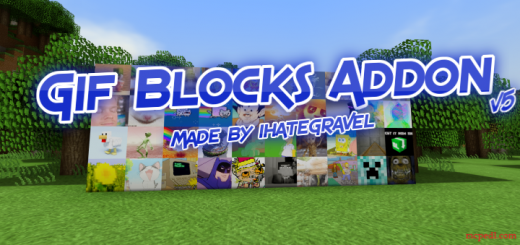
About Gif Blocks
By ihategravel
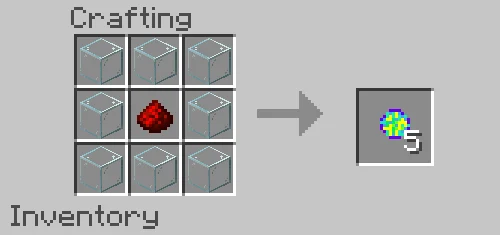
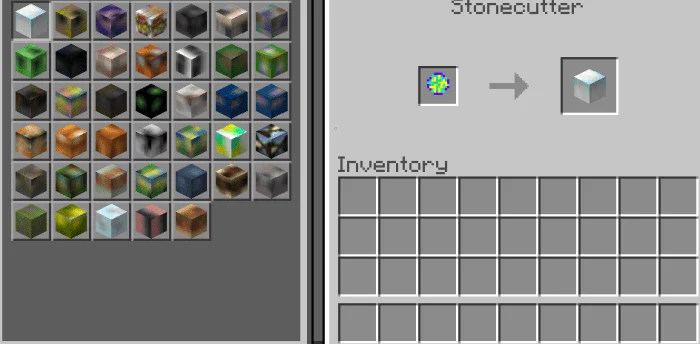
Ever wanted to use your favorite Gifs inside of Minecraft? This add-on adds 40 custom blocks with various 128x resolution Gifs on them. Just make a Gif Orb and put it in the stonecutter to get a awesome Gif Block!
Put the Gif Orb in a stonecutter to get a Gif Block! You must have a device that is capable of handling 128x textures If you stand far away enough the animation will stop on the Gif blocks
Do “/function gifs” to get all the blocks
Gif Blocks screenshots
How to install Gif Blocks
- Download the .mcaddon file using the button on this page.
- Open the downloaded file with Minecraft Bedrock Edition.
- Wait for Minecraft to confirm that the import has completed.
- Activate the imported pack in the world settings.
- Back up important worlds before installing community content.
Download Gif Blocks (1.16) Decorations for free
Preparing your download…
If the download did not start automatically, click here.


