
About Furniture Moreniture
⚠️Turn on experimental gamplay
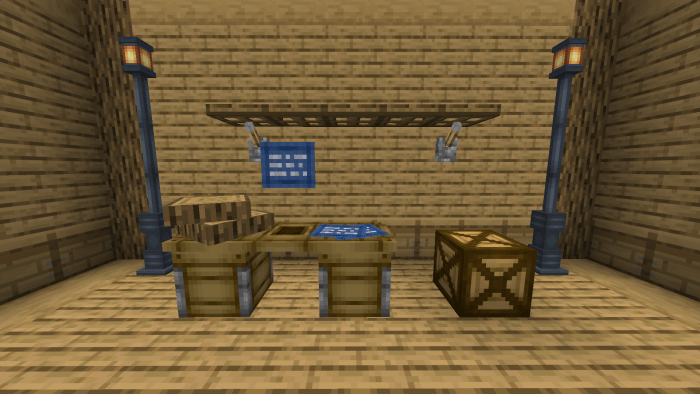
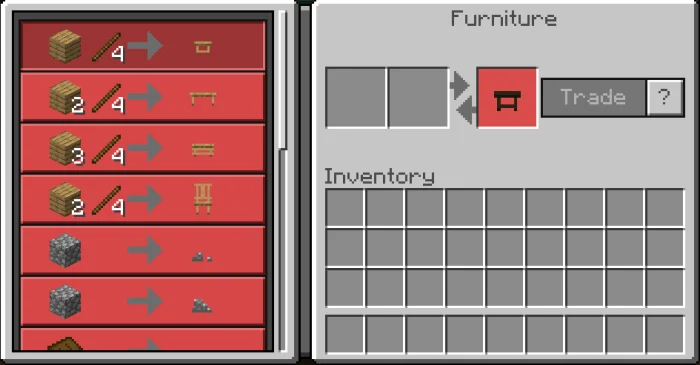
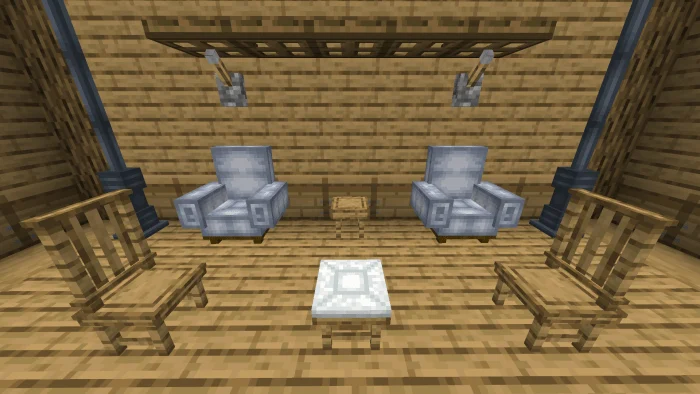
This Add-on give a furniture for you to use. Furniture table can be use for craft a furniture. To use this table, hold to open. From this, you can trade a furniture with planks, stick, wool, and others.
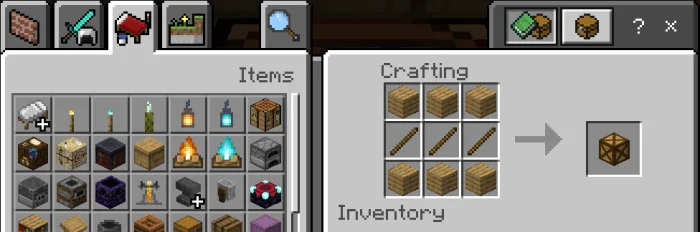
📌How to get Furniture Table: Craft a crates by using 6 planks and 3 sticks. After that, break the crates and you should get your furniture table.
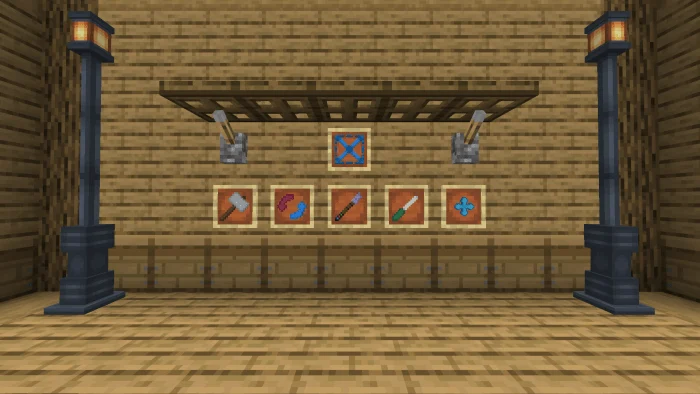
📌Hammer : Use this tool to remove furniture by hold. To get this item use /give @s furniture:hammer or craft it in furniture table.
📌Rotate : Use this tool to rotate by hold. To get this item use /give @s furniture:rotate or craft it in furniture table.
📌Pipette : Use this tool to copy by hold. You cannot craft this item, to get it use /give @s furniture:pipette command.
📌Scaler : Use this tool to upscale/downscale by hit. Except for furniture table, by hold. To get this item use /give @s furniture:scaler or craft it in furniture table.
📌Moving tool : Use this tool to move furniture by hold. To get it, /give @s furniture:moving_tool or craft it in furniture table.
📌Brush colored : Use this tool to change the variant by hold. To get it, /give @s furniture:brush_colored or craft it in furniture table.
Furniture Moreniture screenshots
How to install Furniture Moreniture
- Download the .mcaddon file using the button on this page.
- Open the downloaded file with Minecraft Bedrock Edition.
- Wait for Minecraft to confirm that the import has completed.
- Activate the imported pack in the world settings.
- Back up important worlds before installing community content.
Download Furniture Moreniture (1.16) Decorations for free


