
About Lost in the Sea
*ENABLE EXPERIMENTAL GAMEPLAY
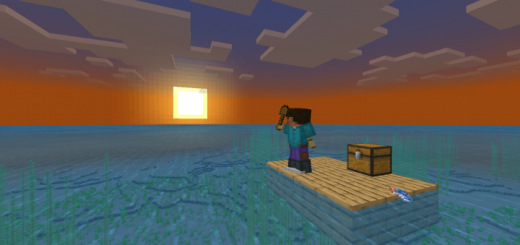
This Addon-pack is about being in the middle of the sea and trying to survive as long as you can.When you create a new world, you’ll be under the sea so swim up quickly for some air.
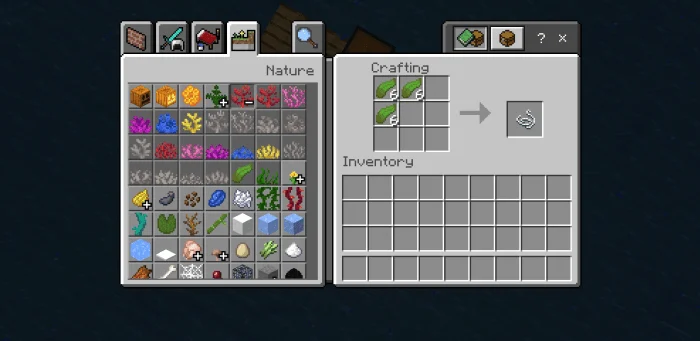
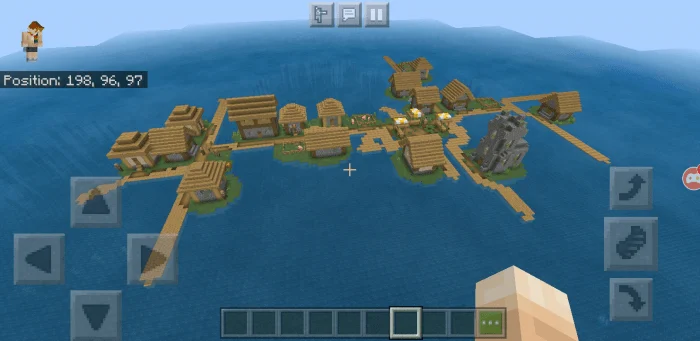
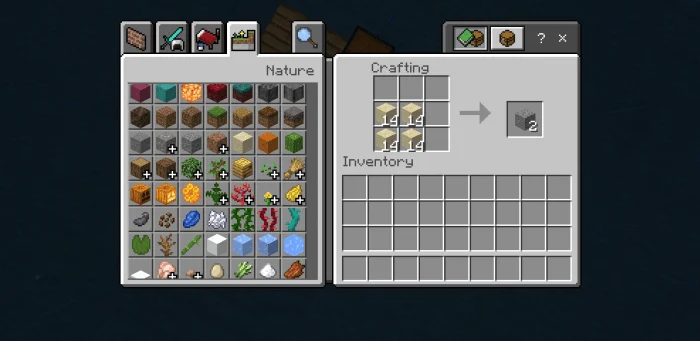
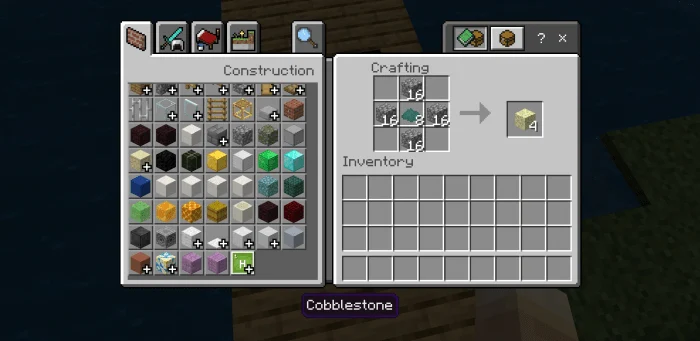
You’ll probably need to collect kelp too because you can make some string using kelp.Then, try to find a village. Sand can be turned into Gravel. Gravel can be turned into Flint. Flint can be turned into Cobblestone
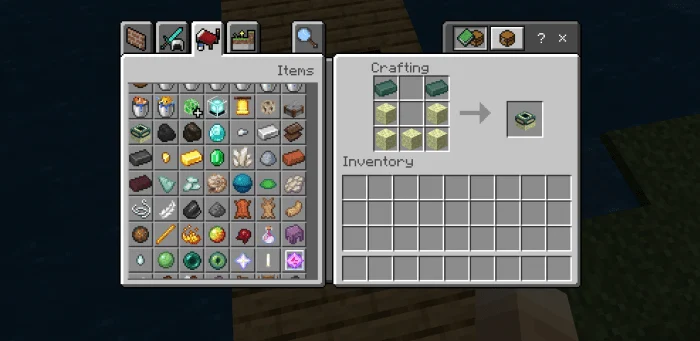
Lost in the Sea screenshots
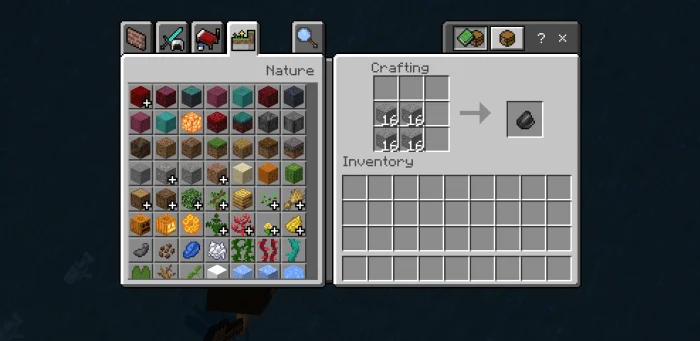
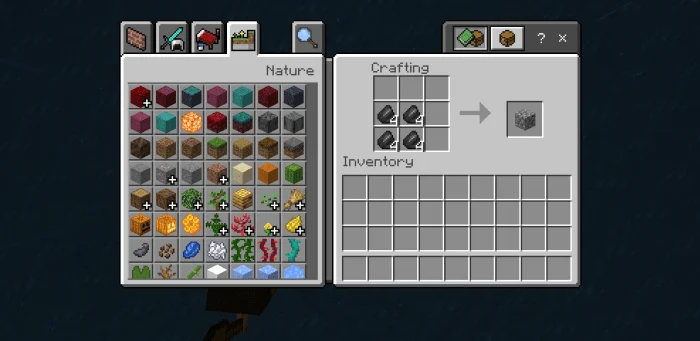
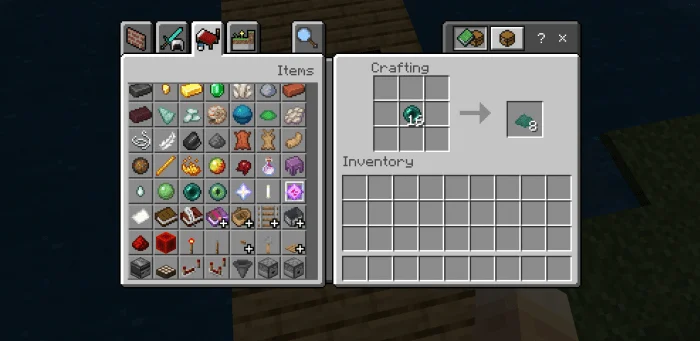
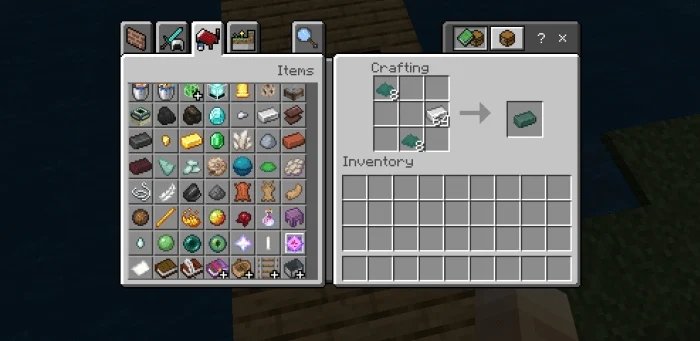
How to install Lost in the Sea
- Download the .mcaddon file using the button on this page.
- Open the downloaded file with Minecraft Bedrock Edition.
- Wait for Minecraft to confirm that the import has completed.
- Activate the imported pack in the world settings.
- Back up important worlds before installing community content.
Download Lost in the Sea (1.16) Survival for free
Preparing your download…
If the download did not start automatically, click here.


