

About Thirsty Addon
⚠️Turn on experimental functions before starting the world. ⚠️You must set this in the first place of the addons for it to work properly. ⚠️It's compatible with multiplayer, but if your friend cannot see the thirst bar, type: /function thirstwork.
This addon incluyes
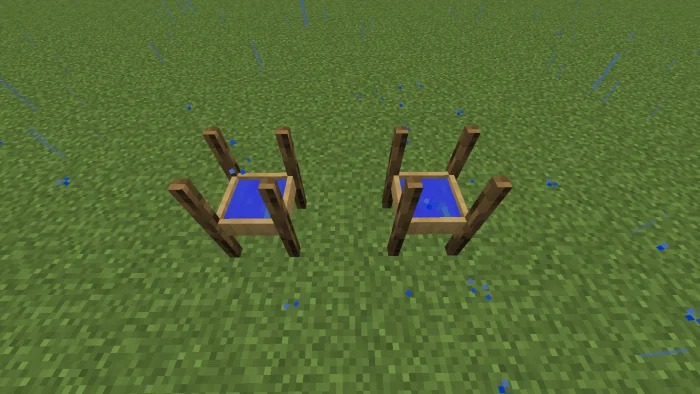
✅Water canteen: This canteen has three uses before being refilled. ✅Water recovery: Place it outside and it will fill up when it rains. ✅Water extractor: Place this block over the water and in a short time you will be able to take the water with the canteen. ✅Water distiller: You have to add water from a bucket and instantly take that water with a canteen to fill it. ✅Solar alembic: This will automatically generate water, you just have to wait for a time. You can drink water from water bottles or just stay in the water for a while.
Thirsty Addon screenshots


How to install Thirsty Addon
- Download the .mcaddon file using the button on this page.
- Open the downloaded file with Minecraft Bedrock Edition.
- Wait for Minecraft to confirm that the import has completed.
- Activate the imported pack in the world settings.
- Back up important worlds before installing community content.
Download Thirsty Addon (1.16, 1.17) Gameplay for free


