
About Lively Villagers
- turn on experimental gameplay
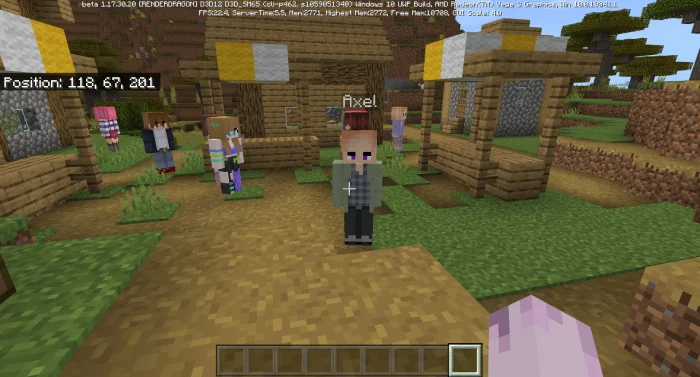
Inspired by the Minecraft Comes Alive mod for Java edition, this addon replaces villagers with randomized humanoid villagers that are more fun to interact with! they all have randomized skin, hair, and outfits, plus their own names, so there are over a thousand different looks!
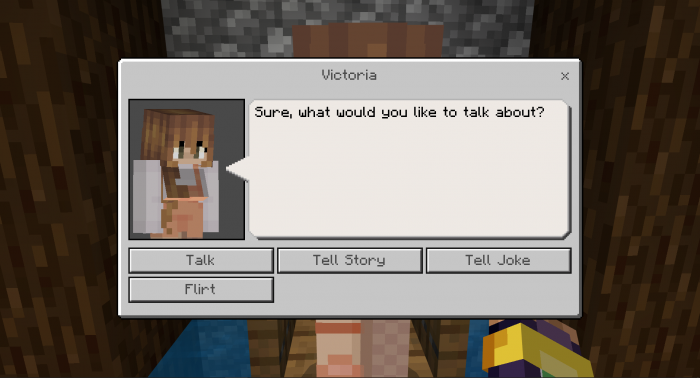
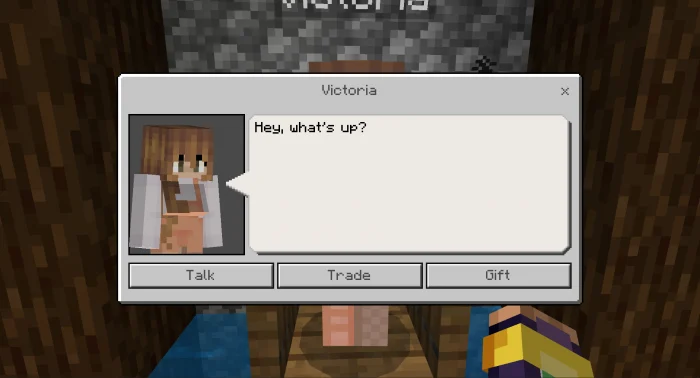
The first option, talk, will open up three different things to say to them. Your relationship with them will go up or down depending on what you say. As of now, this is randomized.
When your relationship level with a villager reaches 15, an new option, "Flirt", will appear in the talk menu. Flirting will increase your relationship with them more than just talking, but it can also decrease your relationship by more.
When your relationship level with a villager reaches 30, another option, "Follow" will appear in the base menu. Press it to make the villager follow you, and press it again to make them stop. This only works in survival mode as of now.
Lively Villagers screenshots
How to install Lively Villagers
- Download the .mcaddon file using the button on this page.
- Open the downloaded file with Minecraft Bedrock Edition.
- Wait for Minecraft to confirm that the import has completed.
- Activate the imported pack in the world settings.
- Back up important worlds before installing community content.
Download Lively Villagers (1.17) Mobs for free


