
About RC Car Pack
- Enable Holiday Creator Feature on your world
RC Car Pack will add RC cars to minecraft.
How to get Items? You can get all item are you need from your inventory.
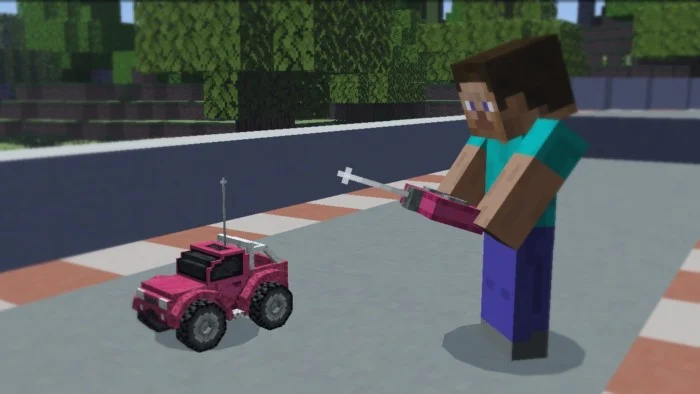
Where to begin? First, take the controller and the car of the color you need from your inventory, do not forget to take the battery.
A controller of a certain color can control a car of the same color.
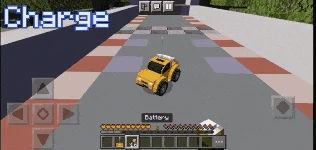
After spawning the car, charge it so that it can move.
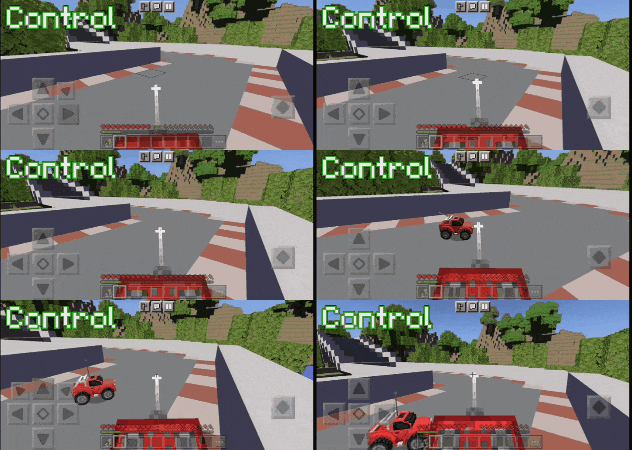
Now you can control the car. To do this, direct the middle of the screen to the place where you want to direct the car, and use the controller by clicking and holding on the screen.
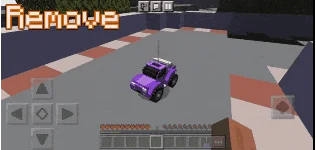
Over time, the car can be discharged. The less its charge, the slower it moves. How remove the car? To remove the car: sneak and click on the car twice.
You have 16 colors to choose from.
RC Car Pack screenshots
How to install RC Car Pack
- Download the .mcaddon file using the button on this page.
- Open the downloaded file with Minecraft Bedrock Edition.
- Wait for Minecraft to confirm that the import has completed.
- Activate the imported pack in the world settings.
- Back up important worlds before installing community content.
Download RC Car Pack (1.16, 1.17, 1.18) for free


