
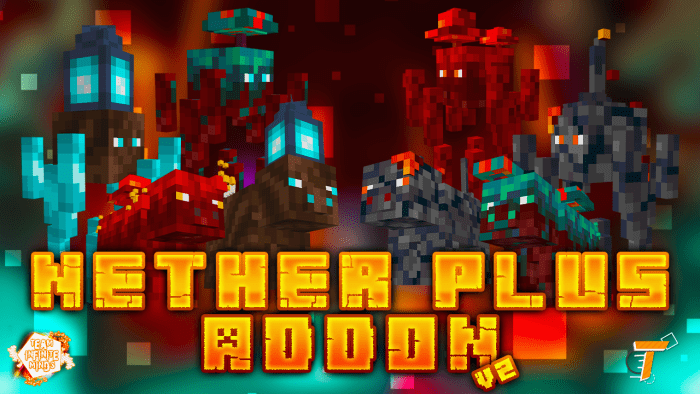
About Nether plus
Created By TwitchTube Creators
- turn on holiday creator features
New
📌Creepy Creeper Spawn Rule Fixed 📌Fixed an error in the UUID dependencies when installing the plugin 📌Added compatibility with 1.18 📌Bloody meat animation bug fixed
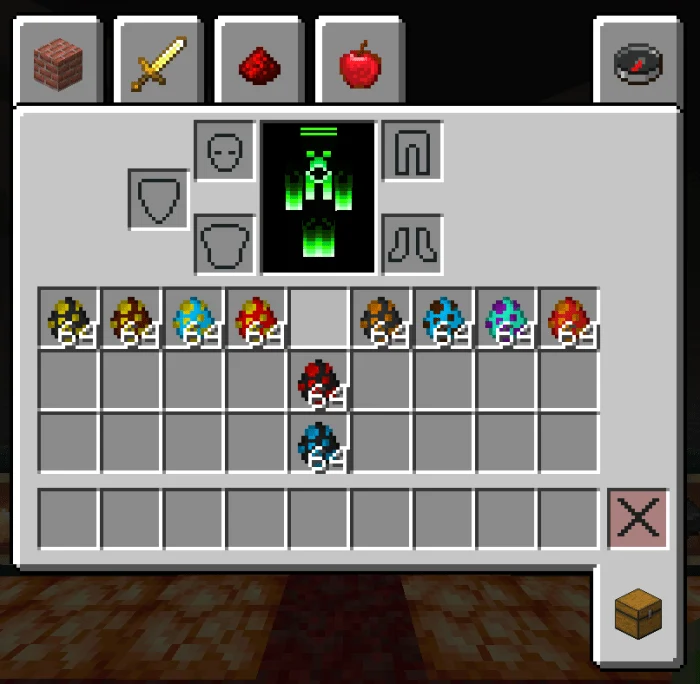
An incredible plugin that adds new entities to the underworld that brings you many more dangers and increases the difficulty for a unique experience in the underworld. An addon that adds 8new entities to the game giving it extra difficulty in the underworld, also adds 11 new edible items.
New entities
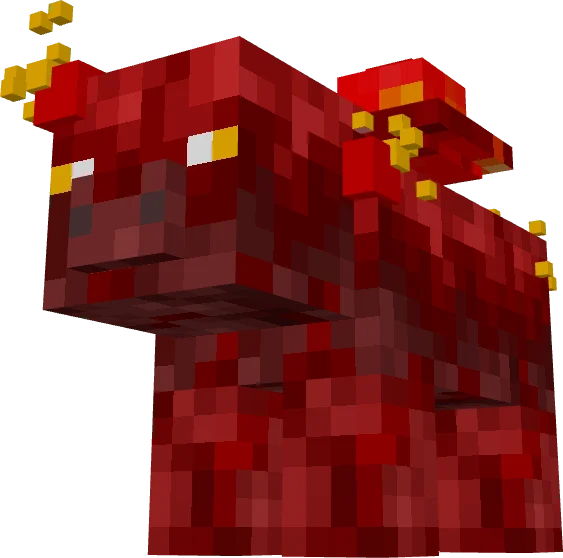
Crimson Pig
- They appear in the camersí biome
- This new entity is hostile towards the players
- They are afraid of the soul sand pig and the blue light or blue fire
- Also afraid of zombie pigmans
- drop sweets and make exchanges
Twisted Forest Pig
- They appear in the camersí biome and twisted forest
- This new entity is hostile towards the players
- They are afraid of the soul sand pig and the blue light or blue fire
- Also afraid of pig men
- Drop sweets and make exchanges
Basalt Pig
- They appear in the basalt delta biome
- This new entity is hostile towards the players and very aggressive
- They are afraid of the soul sand pig and the blue light or blue fire
- Also afraid of pig men
- Drop sweets and make exchanges
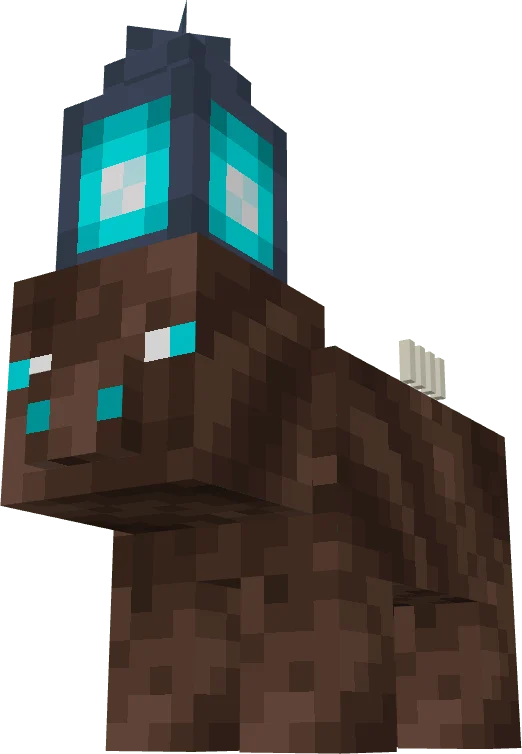
Alma’s Sand Pig
- They appear in the soul sand biome and their appearance is very strange since it can appear in other biomes
- This new entity is peaceful if you don’t attack it (hostile only if you attack it)
- He is not afraid of any creature
- Drop candies and other things
New Update
Soulsand blaze
- Spaw deep in the sandy sand biome underworld
Basalt blaze
- Life 55
- Attack players
– Spawns deep in the underworld basal delta biome
Crimson Blaze
– Spawn deep in the crimson forest biome underworld
Blaze Twisted
– Spawn deep within the twisted forest biome underworld
Nether plus screenshots
How to install Nether plus
- Download the .mcaddon file using the button on this page.
- Open the downloaded file with Minecraft Bedrock Edition.
- Wait for Minecraft to confirm that the import has completed.
- Activate the imported pack in the world settings.
- Back up important worlds before installing community content.
Download Nether plus (1.16, 1.17, 1.18) Mobs for free
Preparing your download…
If the download did not start automatically, click here.


