
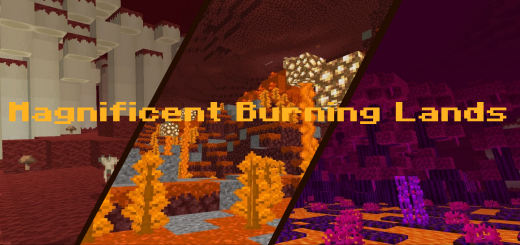
About Magnificent Burning Lands
Created By SunnierFern1756
Not enough content in the Nether? This mod expands the Nether by adding new biomes, mobs, items to make the Nether better and more interesting.
Biomes
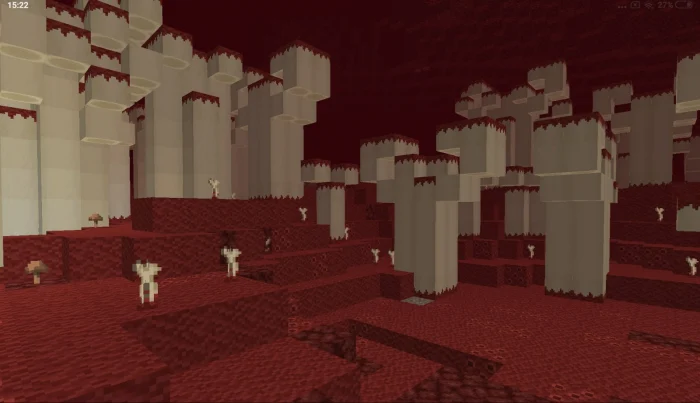
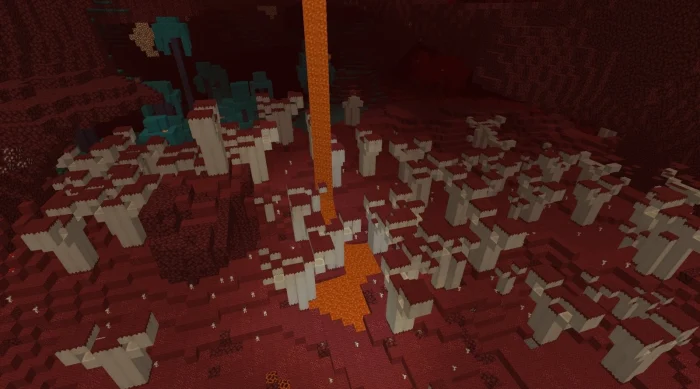
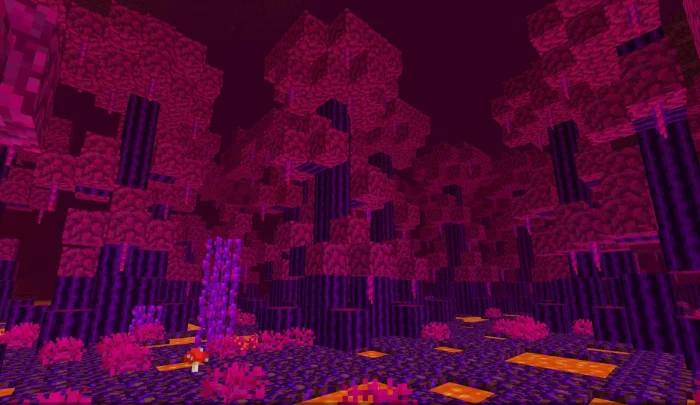
Fleshlands Dark and bloody biome in which many bones appear.
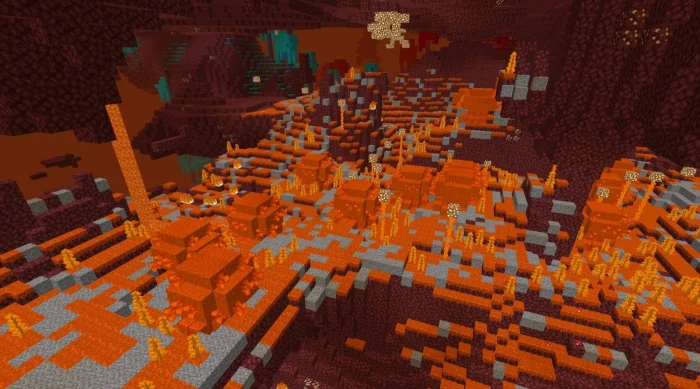
Fire Wastes Glowing biome with bushes and fire wart.
Lava Swamp Boiling swamps in which lava mangroves and nether cane appear.
Mobs
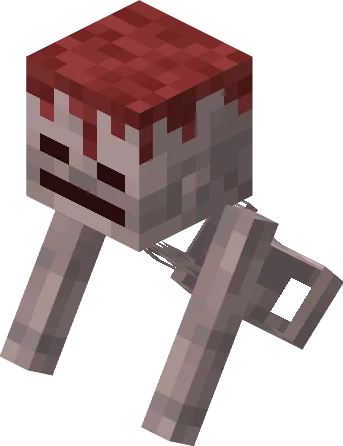
Rotten Skeleton Spawn: Fleshlands
Lava Turtle Very strong turtle, can walk on lava like a strider, has a child variant. Can also be saddled with an iron saddle and upgraded with upgrades. Also eats nether sugar Spawn: Lava Swamp Hp: 50(adult), 15(baby) Damage: 5-12
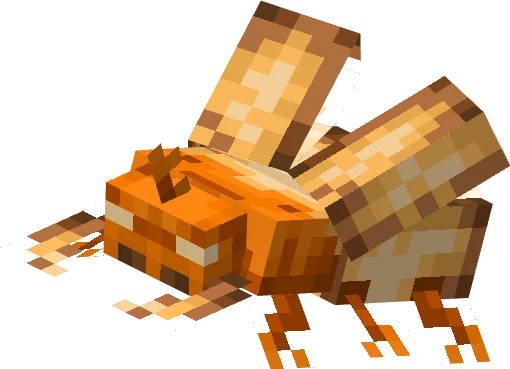
Glowbeetle Very aggressive beetle. can fly and circle around the target. Can upgrade glowstone to glowcrystal shard Spawn: Fire Wastes Hp: 15 Damage: 3-5
Items all crafts can be seen in the crafting table or in the add-on files
Glow Amulet You are not attacked by glowbeetles when you hold the amulet in your right hand / left hand
Rotten Boomerang It can be thrown, it picks up things.
Undead Fragment To get it you need to find in the biome bones overgrown with flesh and click on them with shears(30% chance)
Lava Turtle Shell Piece Drops when baby lava turtle grows up
Lava Turtle Helmet Adds fire immune
Lava Turtle Shield Blocks 80% damage, does not break
Glowcrystal Can be crafted from 9 glowcrystal shards
Glow Staff Shoots projectiles that summon 3 friendly bugs. Cooldown 40 seconds
Nether Sugar Crafted from nether cane. It can be eaten
Nether Sugar On A Stick Hold in hand to control the lava turtle
Lava Turtle Upgrades The lava turtle can be upgraded after equipping the iron saddle Spawn: ruined portals, piglin barter
Magnificent Burning Lands screenshots
How to install Magnificent Burning Lands
- Download the .mcaddon file using the button on this page.
- Open the downloaded file with Minecraft Bedrock Edition.
- Wait for Minecraft to confirm that the import has completed.
- Activate the imported pack in the world settings.
- Back up important worlds before installing community content.
Download Magnificent Burning Lands (1.18) Mobs for free


