
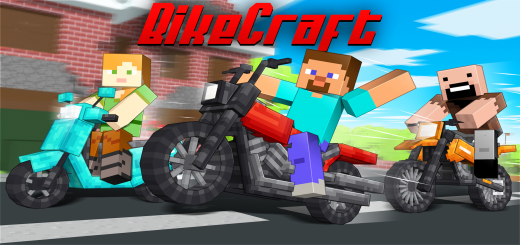
About BikeCraft Add-On
By Herbert Richard
- Active all experimental options in your world
Craft awesome motorcycles and have fun with your friends
You have two ways to create the motorcycles, one of which is in the creative, in which you can just open your inventory of items and search for the motorcycles you want in the search tab, here are the names of the motorcycles: Harley Davidson Motocross Bike Scooter Quad Bike
The other way to use the motorcycles in your minecraft is in survival, looking for materials and creating parts to put everything together and generate the motorcycle of your choice, here is everything you will need to create the 3 types of motorcycles: Rim Wheel Handlebar Seat
Motorcycles Base (To create the scooter, motocross bike and quad-bike base you just have to change the red dye to cyan, yellow and blue)
Motorcycle Final Craft (To create the scooter, motocross bike and quad-bike final craft you just have to change the base)
BikeCraft Add-On screenshots


How to install BikeCraft Add-On
- Download the .mcaddon file using the button on this page.
- Open the downloaded file with Minecraft Bedrock Edition.
- Wait for Minecraft to confirm that the import has completed.
- Activate the imported pack in the world settings.
- Back up important worlds before installing community content.
Download BikeCraft Add-On (1.16, 1.17, 1.18) Transport for free


