
About Modern blocks
Created By Vechrozilator
Turn on
Holiday Creator Features Additional Modding Capabilities (if have) Upcoming Creator Features Molang Features
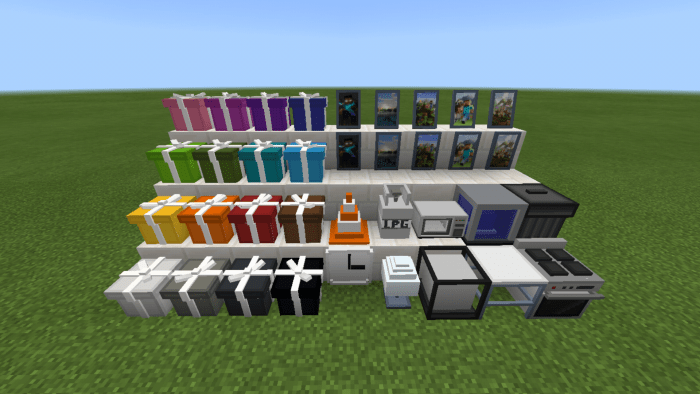
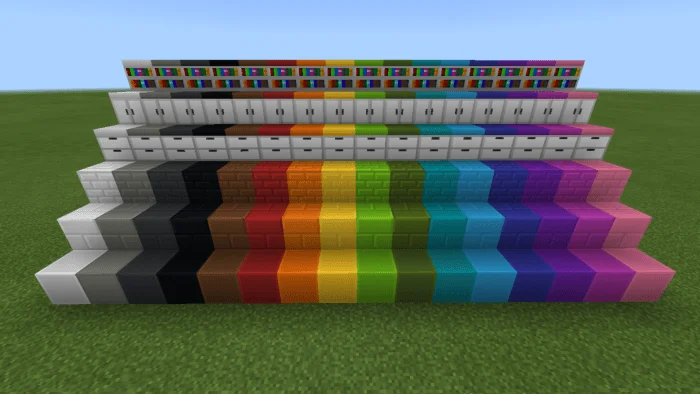
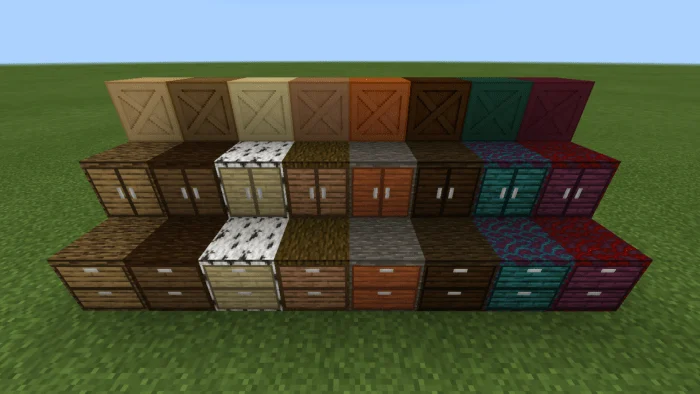
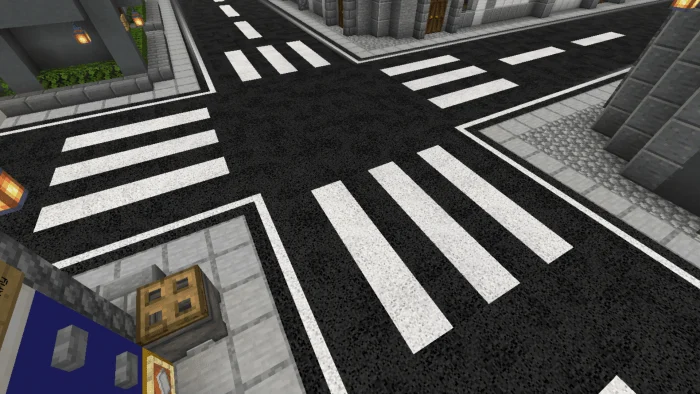
Modern Blocks Addon added 690+ modern blocks in the game including modern bookshelf, cabinets, drawers, tiles and each have 16 different colors, wooden furniture that comes in all wood types etc. Some blocks are customizable, like you can add different pattern in Tiles using Tile Pattern, change where furniture is facing using stonecutter and more!
Where To Find Recipes? FOR THE RECIPE OF THESE BLOCKS OPEN YOUR INVENTORY AND CLICK BOOKSHELF ICON. THE HOW TO PLAY UI HAS BEEN MODIFIED TO MAKE IT RECIPE GUIDE FOR THE ADDON.
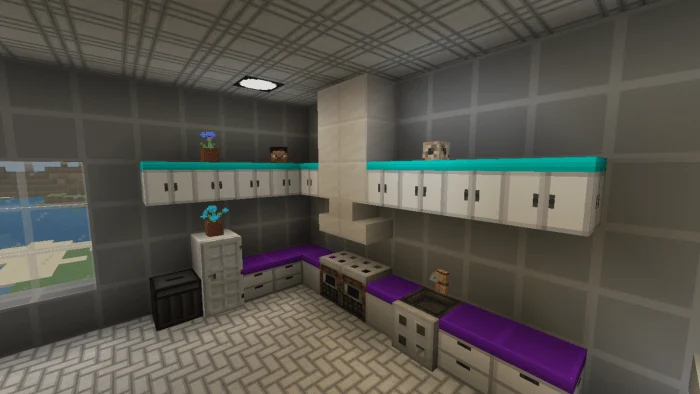
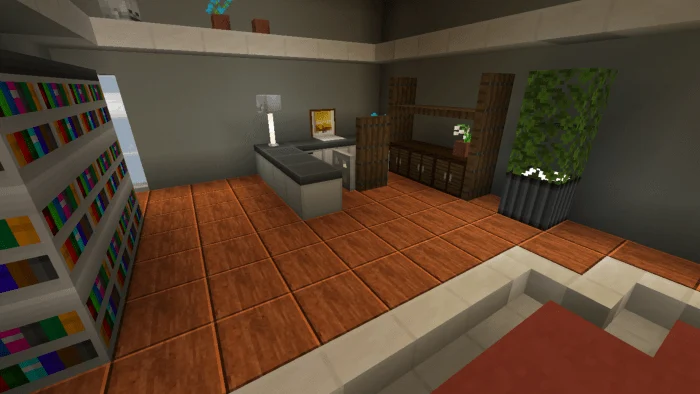
Modern blocks screenshots
How to install Modern blocks
- Download the .mcaddon file using the button on this page.
- Open the downloaded file with Minecraft Bedrock Edition.
- Wait for Minecraft to confirm that the import has completed.
- Activate the imported pack in the world settings.
- Back up important worlds before installing community content.
Download Modern blocks (1.18) for free
Preparing your download…
If the download did not start automatically, click here.


