
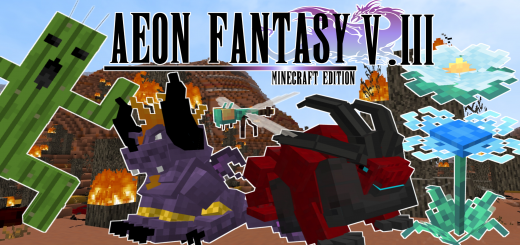
About Aeon Fantasy
Created By RavemonGaming
- Note if you want combine with other addon, make sure aeon RP BP in above other addon.
A Fantasy Addon that based on Final Fantasy Series. This addon have variable mobs that you (maybe) never seen in others addon ,unique taming system, unique crafting ways , new biomes and etc.
Biome and Blocks
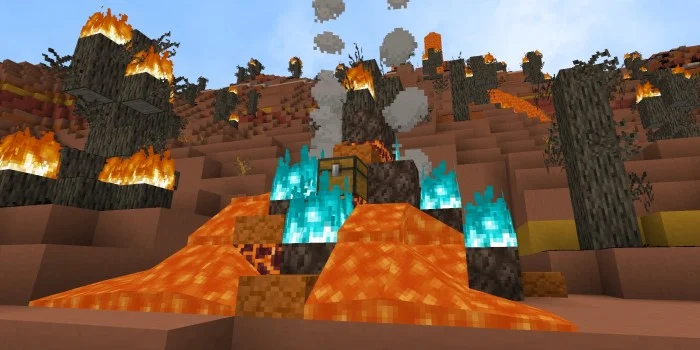
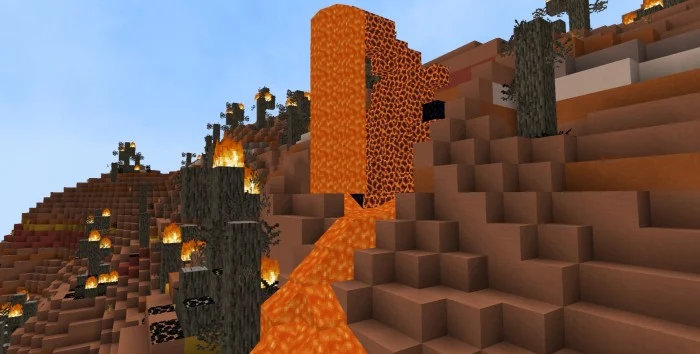
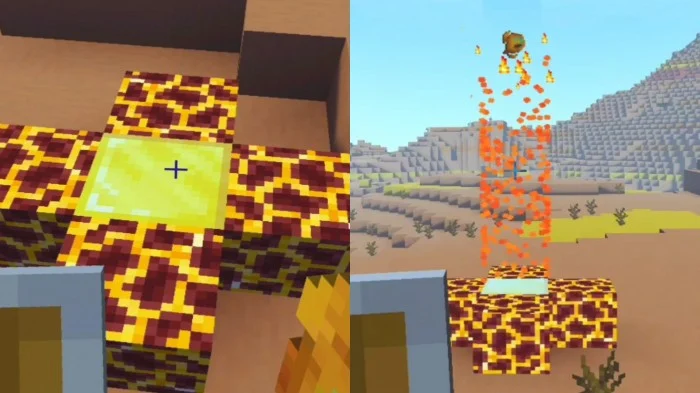
- InfernoHollow (A Volcanic Lair where ifrit ,tarasque and bomb spawn)
- Macalania Woods is a magical forest filled with pyreflies and magic flower that attract them.
- Blue Crystal (Spawn in cave and can be use to craft weapon. Break it using pickaxe)
Equipments amd Items
- Dualhorn Helmet
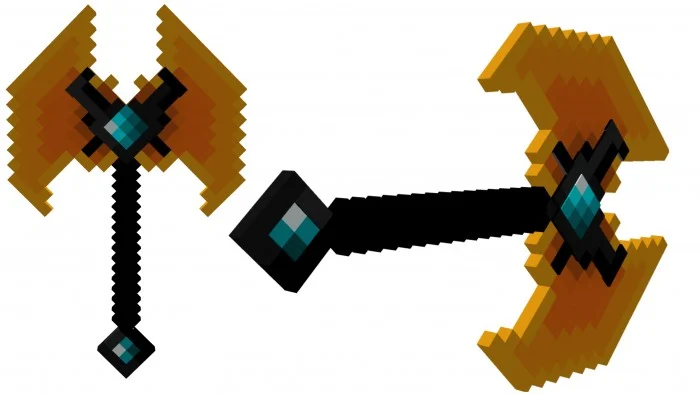
- Ifrit Axe
- Exploda Twinblade
- Buster Sword
- Brotherhoods Sword
- Magic Cauldron
- Cooldown System
- Potion Recipe Book
Mobs
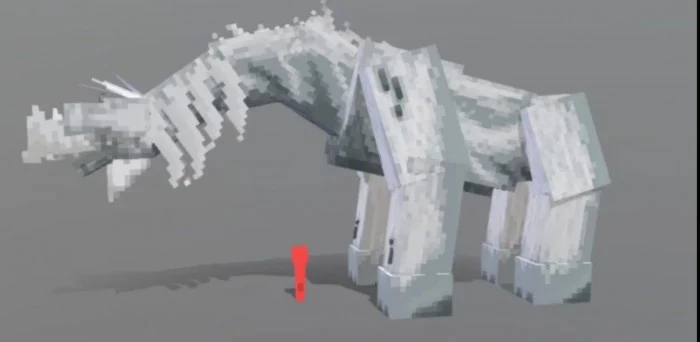
- Behemoth (Baby)
- Cactuars ( This is reclusive desert-dwelling creature lashes together individual needles for its 1000 Needle attack)
- Tarasque (Lizard strain that mutated wildly at some point during its evolution. It spawn in Infernal Hollow)
- Catoblepas
- Bomb (the Bomb's primary method of damage is Self-Destruct, but usually only when its HP is low, or after being hit a certain number of times. Before self-destructing they are prone to biting, ramming, and casting fire magic)
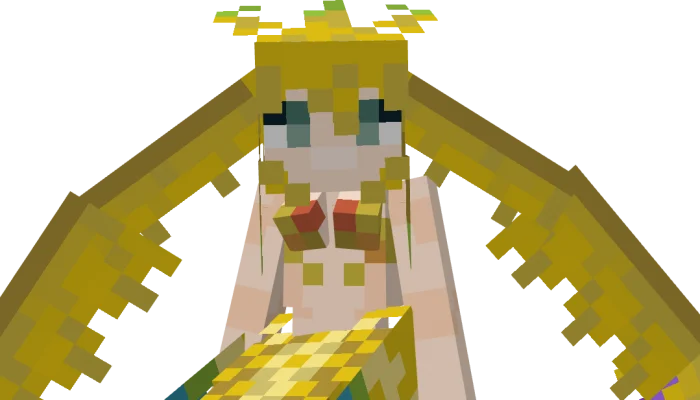
- Sirens
- Lulu
- Chocobo
- Dualhorn (Have 4 Species, Drops Hide,Horns and Meat(Cooked)
- Iron Giant
- Black Mage "VIVI"
- Diablos (Health : 550 , many skills and drops)
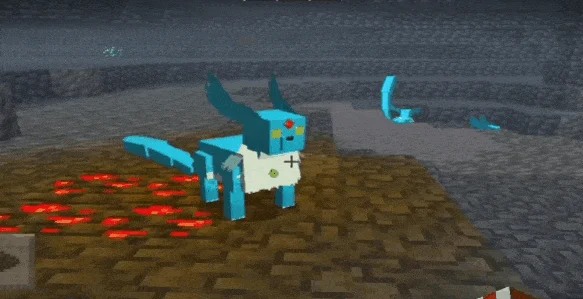
- Carbuncle (Health : 60, Carbuncle Spawn in cave near diamond, they really like diamond and will getting close to you when you bring diamond)
- Ifrit is a fire-elemental Aeon, demonic-looking beast.
Aeon Fantasy screenshots

How to install Aeon Fantasy
- Download the .mcaddon file using the button on this page.
- Open the downloaded file with Minecraft Bedrock Edition.
- Wait for Minecraft to confirm that the import has completed.
- Activate the imported pack in the world settings.
- Back up important worlds before installing community content.
Download Aeon Fantasy (1.18, 1.19) Mobs for free
Preparing your download…
If the download did not start automatically, click here.


