
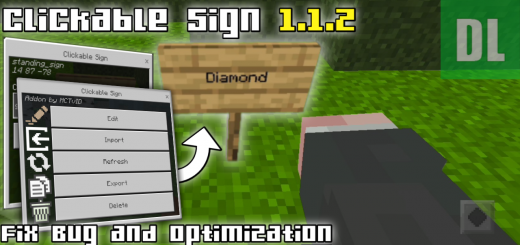
About Clickable Sign
Created By MCTvID
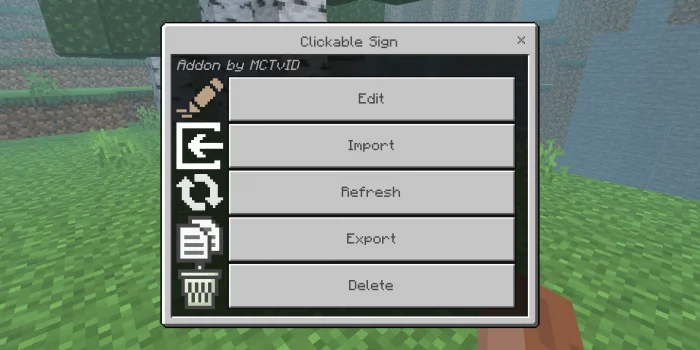
How to use? First of all you need to have a clickable sign editor by picking it up in your creative inventory or by "give @s mctvid:clickable_sign_editor" after that click sign with clickable sign editor then it will appear like this
Export
after pressing "Export" this UI will appear
Export will display the data code from the sign, you can copy it for import to another sign
Import
after pressing "Import" this UI will appear
Enter the code obtained after exporting from sign, Clickable sign data from that sign will be imported into this sign
Clickable Sign screenshots


How to install Clickable Sign
- Download the .mcaddon file using the button on this page.
- Open the downloaded file with Minecraft Bedrock Edition.
- Wait for Minecraft to confirm that the import has completed.
- Activate the imported pack in the world settings.
- Back up important worlds before installing community content.
Download Clickable Sign (1.19) Gameplay for free
Preparing your download…
If the download did not start automatically, click here.


