
About Radioactive Craft
Created By Laiffoo
- Turn on all Experimental Gameplay features
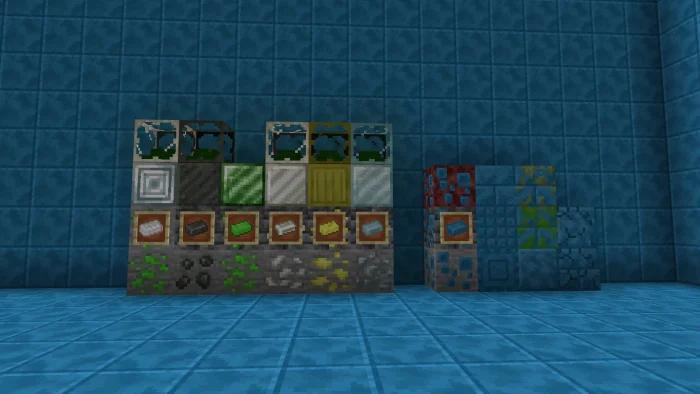
6 Radioactive Ores and 1 non-Radioactive Ore in total! And new machines and Items with them!
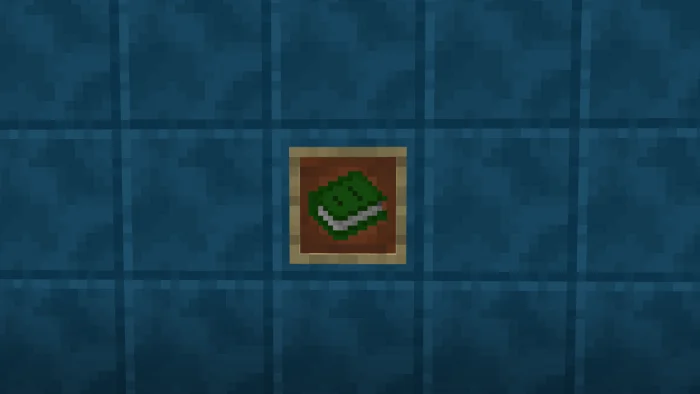
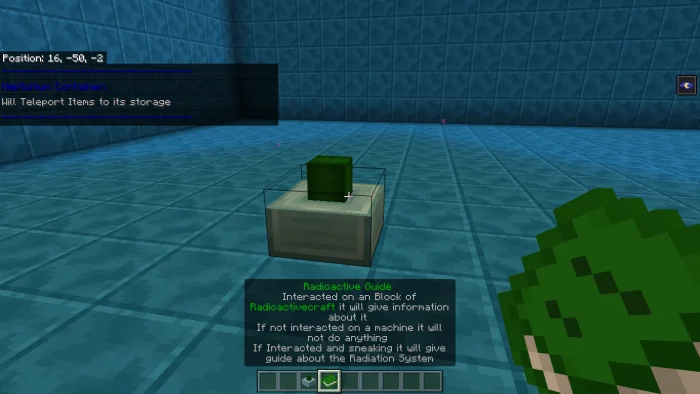
Guide Book The Guide book you will get when joining a new world When interacting on it with any Machines of the Addon, it will say a guide on how to use it. Which is why I only will give a small Description of Items and Blocks Or just sneak and interact so it explains the Radiation System
Ores! This addon adds 7 New ores!
Items
Gaiger Counter The first item is a Gaiger Counter, when interacted will tell you the amount of Radiation you have
Documentary Pieces 4 In total, those are only found in a structure and only has a bit of lore in them
Disk "Radioactive Disaster" This Disk is found in the form of Fragments and also has lore in it
Potion of cure This Potion is made out of Radium and will cure anything
Radioactive Core Radioactive Core is used for Replacment for Crafting and as a power in some machines
Machines Radioactive Container The Radioactive Container can store an unlimited amount of Radioactive Elements/things
Pipes R.A.M, Gas pipes and Heat Pipes are the main Pipes in this Addon
Heat Exchanger This is the Main Generator in this addon. It is compatible with RF from Advanced Machinery
Heat Storage and Destroyer Those are fairly simple, the one Destroys Heat and the Other Stores it
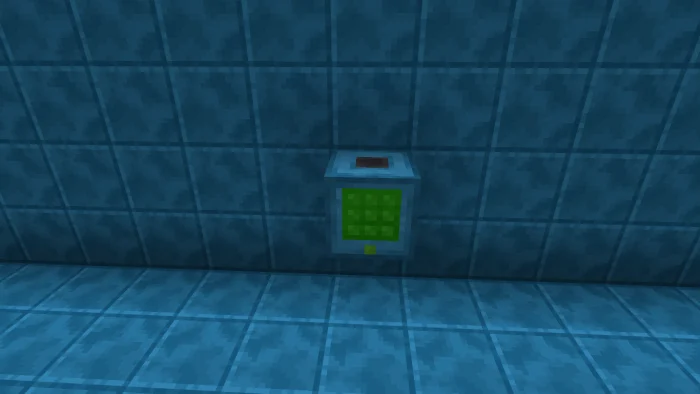
Element Compressor It will make nuggets to Ingots and Ingots to Blocks
Radioactive Compressor Has a chance of turning stone/Deepslate to Radioactive Ores
Radioactive Converter This Machine Turns Elements into other Elements
Radioactive Storage Pretty self explaining, ain't it?
Gas Mixer It will Mix Gasses together to create new things
Hydrogen, Fluorine, Chlorine and Oyxgen Extractor They Extract the Gasses out of the air
Structure The Only Structure is an abandoned Laboratory that spawns below Y = 0
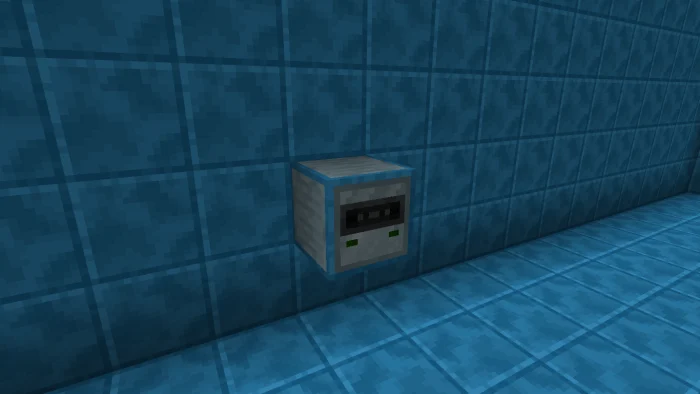
Radioactive Craft screenshots
How to install Radioactive Craft
- Download the .mcaddon file using the button on this page.
- Open the downloaded file with Minecraft Bedrock Edition.
- Wait for Minecraft to confirm that the import has completed.
- Activate the imported pack in the world settings.
- Back up important worlds before installing community content.
Download Radioactive Craft (1.19) Ores for free


