
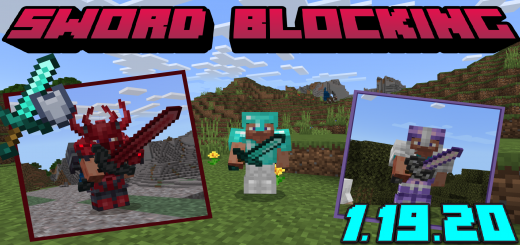
About Sword blocking
Created By TrueCowboy
- Activate gametest in map settings to make it work
Use your sword to reduce the damage of your enemies, with this addon your sword will block 80% of the damage done by enemies. This addon uses Gametest so it works with any other addon that works with any weapon that is a "sword"
Simple to use
- protection from melee damage: 80%
- projectile damage: 99%
- splash potion damage: 0%
hold a sword in the main hand sword and for the protection to work use "sneaking
Sword blocking screenshots

How to install Sword blocking
- Download the .mcaddon file using the button on this page.
- Open the downloaded file with Minecraft Bedrock Edition.
- Wait for Minecraft to confirm that the import has completed.
- Activate the imported pack in the world settings.
- Back up important worlds before installing community content.
Download Sword blocking (1.18, 1.19) for free
Preparing your download…
If the download did not start automatically, click here.


