
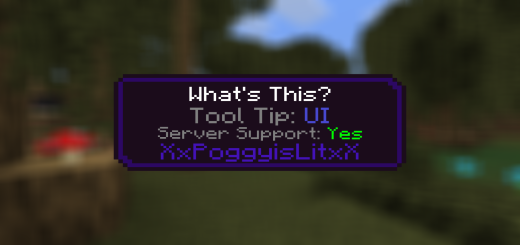
About Poggy's WAWLA?
Created By XxPoggyisLitxX Turn on experimental options in map settings!
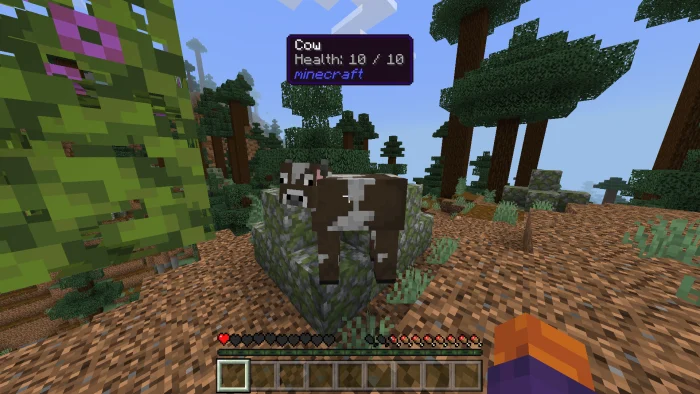
Have you ever played an Add-On, or multiple Add-Ons on a world, and you don't know what block or entity you're looking at? Poggy's What's That? Will provide all the info you'd need!
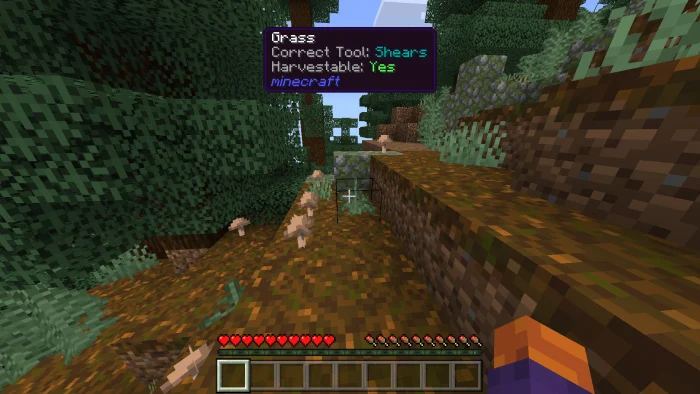
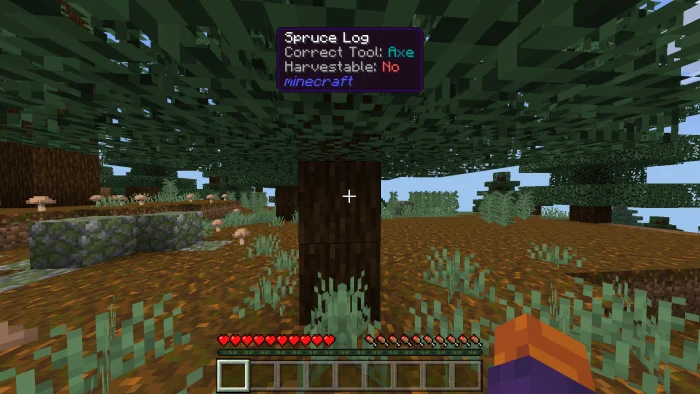
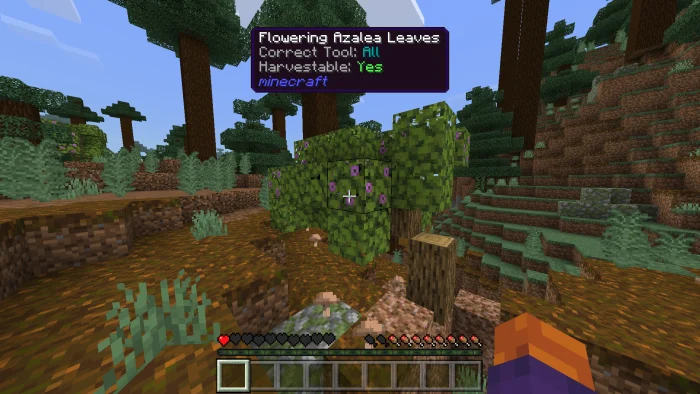
With Poggy's What's That? Players no longer have to memorize block and enitity names, or switch back and forth between the game and a wiki to learn more. Instead, simply by hovering their mouse cursor over a block or entity in-game, they can see a detailed tooltip containing information such as its name, ID, Correct Tool, Health, and more.
Poggy's WAWLA? screenshots
How to install Poggy's WAWLA?
- Download the .mcaddon file using the button on this page.
- Open the downloaded file with Minecraft Bedrock Edition.
- Wait for Minecraft to confirm that the import has completed.
- Activate the imported pack in the world settings.
- Back up important worlds before installing community content.
Download Poggy’s WAWLA? (1.19, 1.20) Tools for free
Preparing your download…
If the download did not start automatically, click here.


