
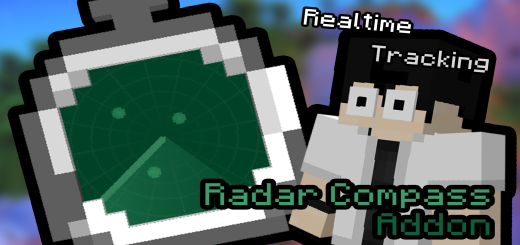
About Radar Compass
Created By Mhafy.1016 Turn on experimental options in map settings!
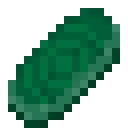
A new unique Minecraft bedrock addon the Radar Compass addon. Adds a new advance item that can able to detect any lifeforms or entities within its proximity and track them in real-time.
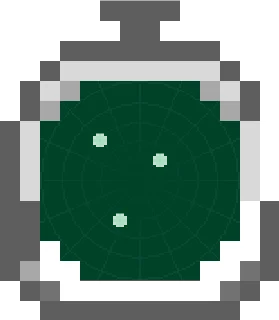
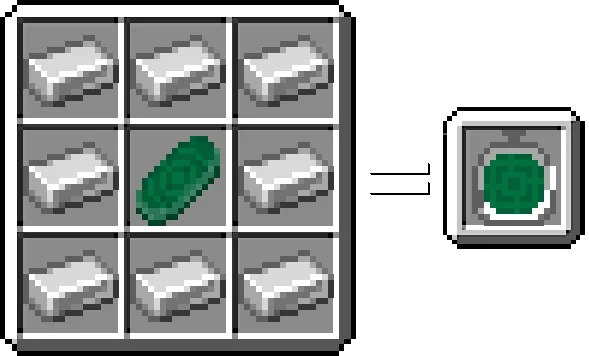
- Iron Radar Compass (Detects any lifeforms or Entity within x16 blocks range.
Able to tract entities position in real-time)
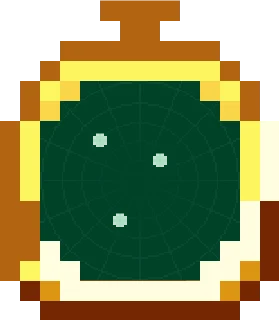
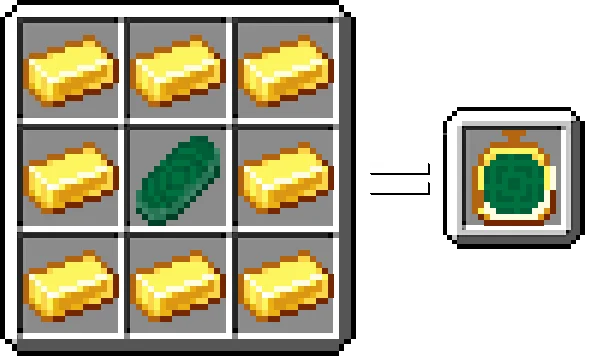
- Gold Radar Compass (Detects any lifeforms or Entity within x24 blocks range.
Able to tract entities position in real-time)
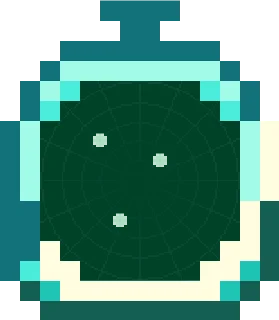
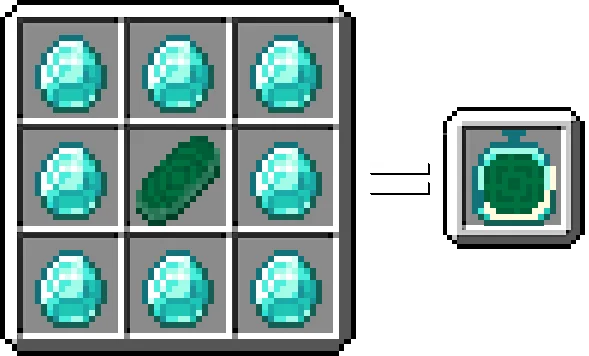
- Diamond Radar Compass (Detects any lifeforms or Entity within x32 blocks range.
Able to tract entities position in real-time)
Simply select the desired compass and it will display its function.
Radar Compass screenshots
How to install Radar Compass
- Download the .mcaddon file using the button on this page.
- Open the downloaded file with Minecraft Bedrock Edition.
- Wait for Minecraft to confirm that the import has completed.
- Activate the imported pack in the world settings.
- Back up important worlds before installing community content.
Download Radar Compass (1.19, 1.20) Tools for free
Preparing your download…
If the download did not start automatically, click here.


