
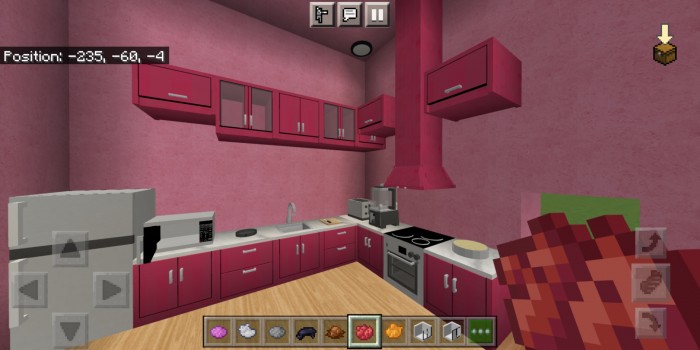
About Remon Furniture
Created By Creative Karis
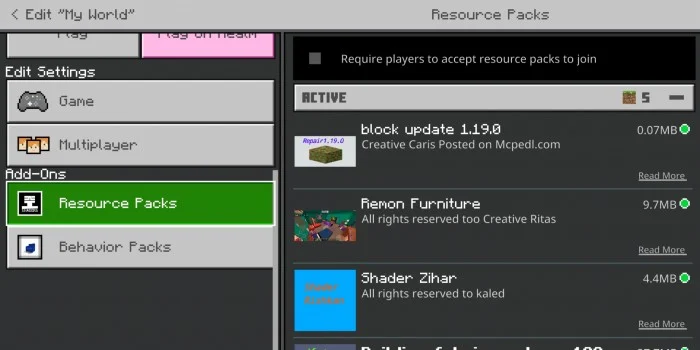
- Very important: you must apply the update blocks in order to work, otherwise only update blocks will appear
- *You must activate the experimental options, otherwise the furniture will not appear
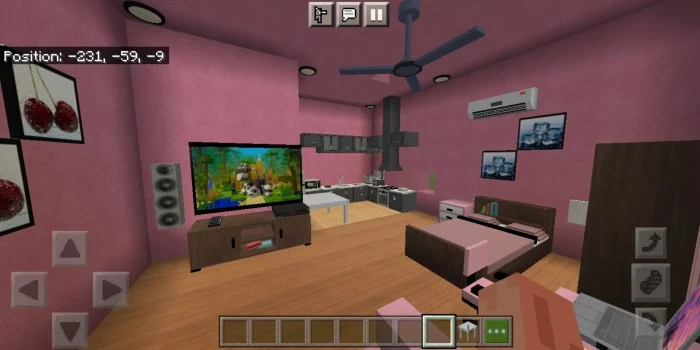
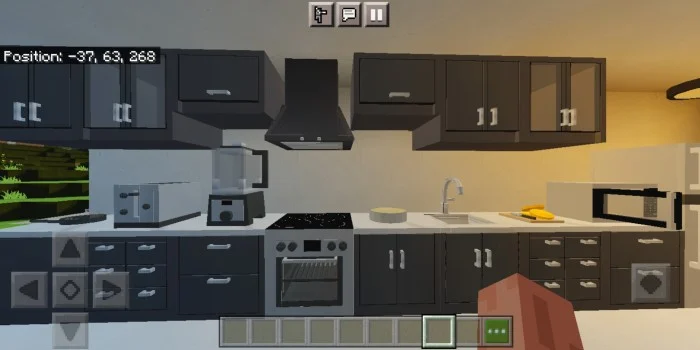
More than 220 pieces of modern and functional furniture and more than 16 beautiful and attractive colors. You can furnish your home in the way you want, believe me, you will love it
Remon Furniture screenshots
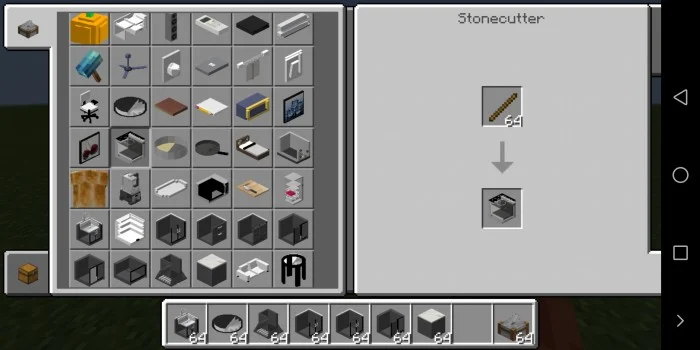
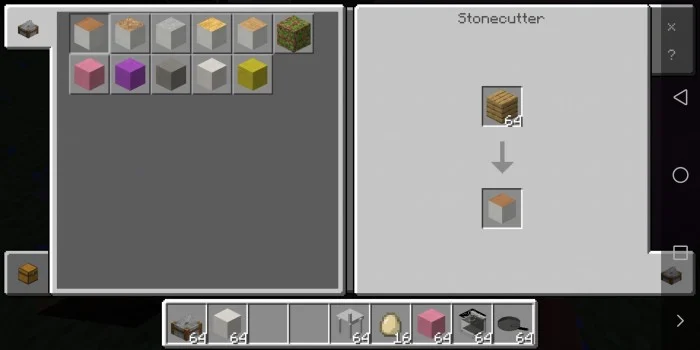
How to install Remon Furniture
- Download the .mcaddon file using the button on this page.
- Open the downloaded file with Minecraft Bedrock Edition.
- Wait for Minecraft to confirm that the import has completed.
- Activate the imported pack in the world settings.
- Back up important worlds before installing community content.
Download Remon Furniture (1.17, 1.18, 1.19, 1.20) Decorations for free
Preparing your download…
If the download did not start automatically, click here.


