
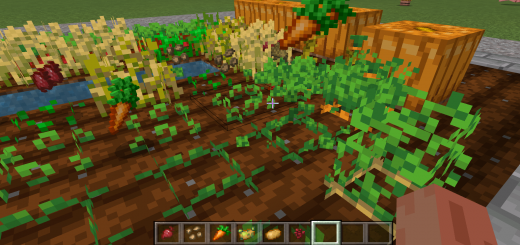
About Spidi's Right Click Harvest
Created By spidiweb7
- Turn on experiments in map settings
Are you bored of manually destroying your crops to then replant them? If so then this mod is for you! Simple right click using a hoe on a crop that is fully grown and have it automatically harvest and replant itself!
Simply right click / use, or hold right click if on windows, over your crops to have them harvested for you. This will currently work with any block that has the tag 'crop' and 7 growth levels such as Wheat, Beetroot, Potatoes and Carrots. This will also work for Nether Wart as an extra i've added as it's not technically a crop. (Note: Since version 1.20.0 you must use a Hoe instead of an empty hand due to an API limitation)
How to install Spidi's Right Click Harvest
- Download the .mcpack file using the button on this page.
- Open the downloaded file with Minecraft Bedrock Edition.
- Wait for Minecraft to confirm that the import has completed.
- Activate the imported pack in the world settings.
- Back up important worlds before installing community content.
Download Spidi’s Right Click Harvest (1.19, 1.20) Food for free
Preparing your download…
If the download did not start automatically, click here.


