
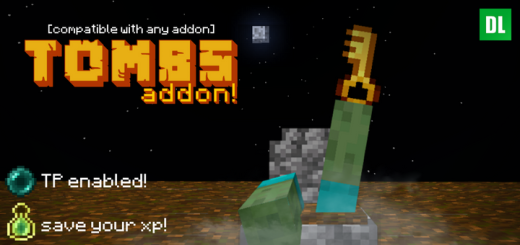
About Tombs Addon
Created by Scodev Studios ⚠️Turn on experiments in map settings!
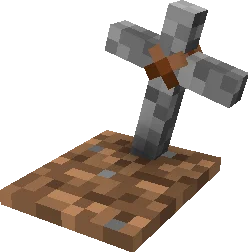
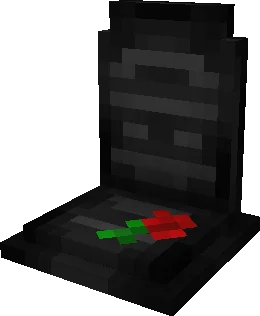
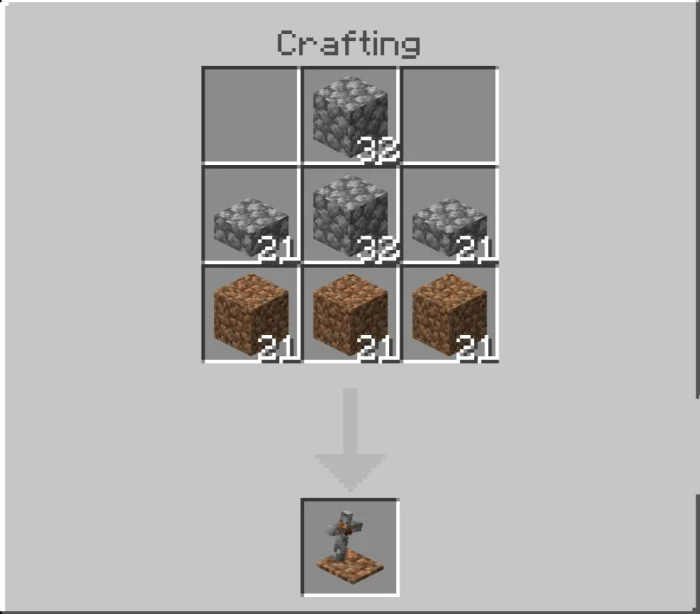
The Tombs add-on adds the possibility of placing a tomb at the moment of death, which will allow you to recover your things in a simple way. This add-on brings a variety of tombs which will serve both as decoration and as a way to personalize your tomb.
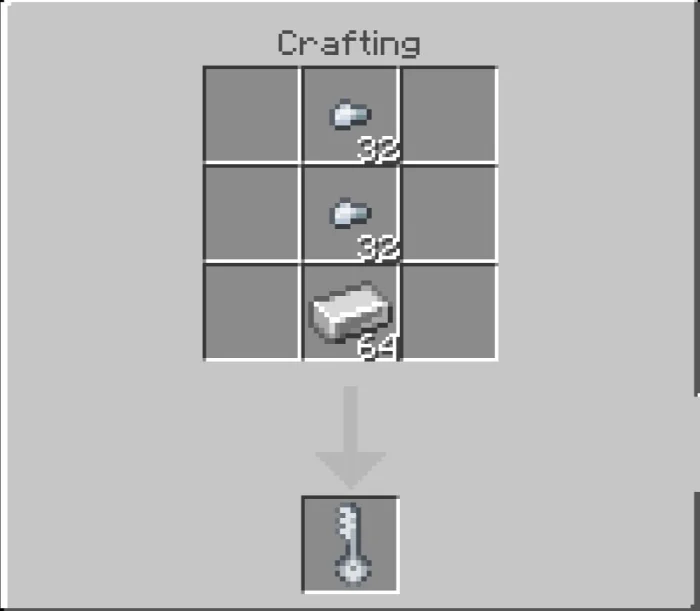
With the configuration key click anywhere and a menu will open where you can select the tomb you want to appear at the moment of death.
When you die, a message will appear in the chat with the coordinates where you died, so you will be able to locate it easily.
To open it and receive your respective items you must press the tomb with the equipped key, in this way your items will be dropped and can be collected.
Tombs Addon screenshots
How to install Tombs Addon
- Download the .mcaddon file using the button on this page.
- Open the downloaded file with Minecraft Bedrock Edition.
- Wait for Minecraft to confirm that the import has completed.
- Activate the imported pack in the world settings.
- Back up important worlds before installing community content.
Download Tombs Addon (1.19, 1.20) Decorations for free


