
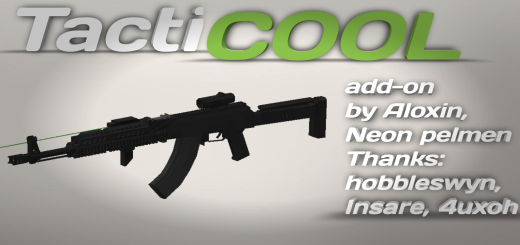
About TactiCOOL Add-on
Created By ALOXIN ORIGINAL ⚠️Turn on experiments in map settings!
This add-on adds 7 types of detailed firearms to the game. The addon has beautiful textures, models and animations of weapons and addon has the attachments system. The addon has a very large number of attachments for weapons, each of which will affect affects its characteristics, etc.
- **To switch the magnification of aiming on optical sights, you need to crouch and attack
TactiCOOL Add-on screenshots


How to install TactiCOOL Add-on
- Download the .mcaddon file using the button on this page.
- Open the downloaded file with Minecraft Bedrock Edition.
- Wait for Minecraft to confirm that the import has completed.
- Activate the imported pack in the world settings.
- Back up important worlds before installing community content.
Download TactiCOOL Add-on (1.19, 1.20) Weapon for free
Preparing your download…
If the download did not start automatically, click here.


