
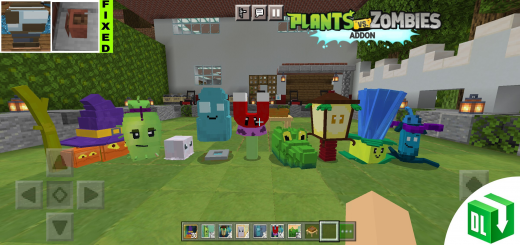
About Plants vs Zombies 2 (Lite)
Created By LiL Craft ⚠️Turn on Experimental Gameplay – Holiday Creator Features for the addon to work
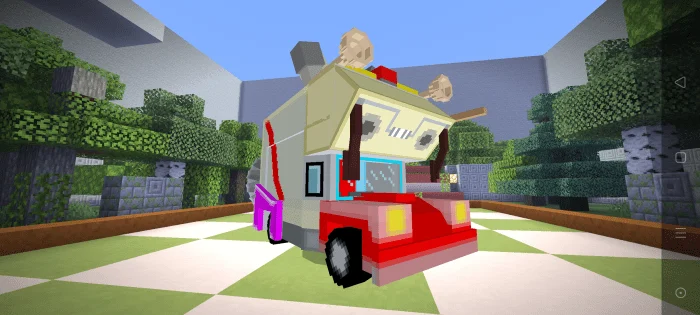
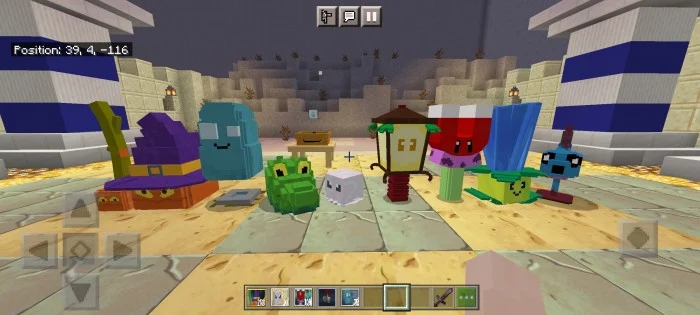
This Addon is so fun to play, and also survival friendly! There's a lot of Zombies and Plants to Choose From!
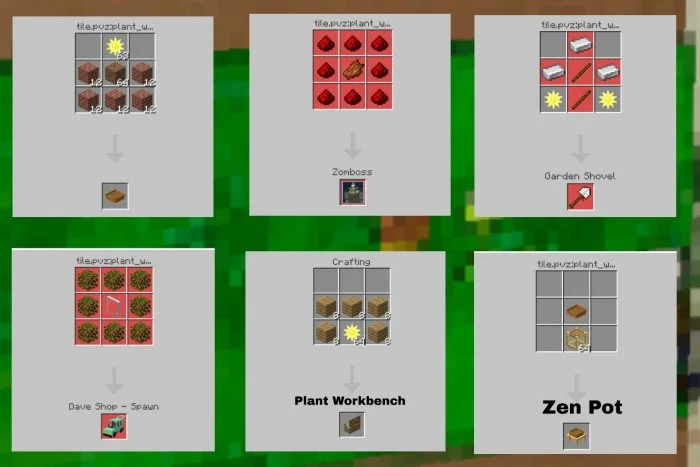
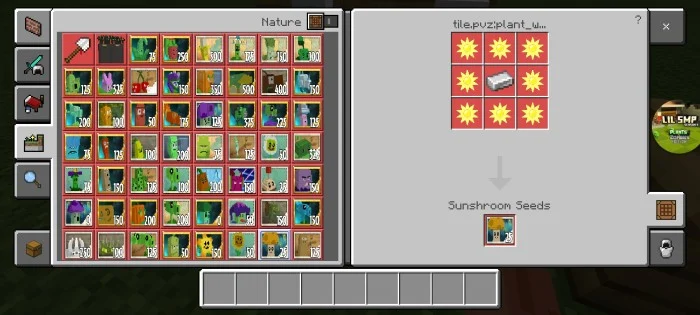
•In order to get plants in Survival mode, you need to craft a "Plant Workbench" first or by crafting it (recipe below) •You need sun to craft plants, sun does spawn naturally •Zombies have chance of dropping plant food and zen garden sprouts •Not all plants have plant food, but many of them have •Zombies Spawns Naturally so becareful •You can get zomboss spawn by crafting it
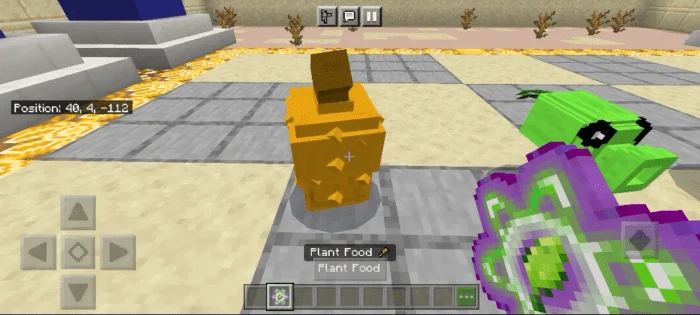
List of items •Gardening Shovel – is used to dig plants more faster •Sun – is used for Plants •Coins – is used to buy items from Dave's Shop •Gravebuster – is used to removed tombstones •Plant Food – is used to upgrade your plants, can be obtain from zombies randomly dropping it or from toolbox •Penny – you can ride it, dropped by zomboss •Lawn Mower – defend your house, currently not obtainable in survival •Crazy Dave
Plants vs Zombies 2 (Lite) screenshots
How to install Plants vs Zombies 2 (Lite)
- Download the .mcpack file using the button on this page.
- Open the downloaded file with Minecraft Bedrock Edition.
- Wait for Minecraft to confirm that the import has completed.
- Activate the imported pack in the world settings.
- Back up important worlds before installing community content.
Download Plants vs Zombies 2 (Lite) (1.16, 1.17) Mobs for free


