
About Debug Stick
⚠️Turn on in map settings
GameTest Framework Holiday Creator Features
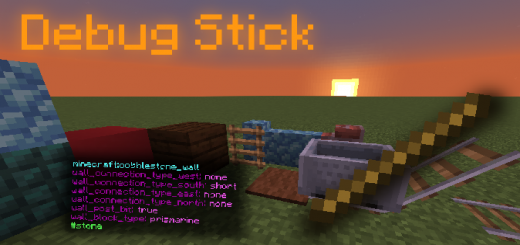
This recreation of the debug stick from Minecraft Java Edition allows you to do just that! You can edit block properties and view block tags all with one item.
Edit block properties Edit a block's property by using the "place" button the block.
Switch block properties Switch which block property is being edited by using the "attack" button on the block.
View block properties and tags View a block's properties and tags by "sneaking" and "attacking" the block.
Get it via /give Run '/give @s mb:debug_stick' in chat to give yourself the debug stick
Debug Stick screenshots


How to install Debug Stick
- Download the .mcpack file using the button on this page.
- Open the downloaded file with Minecraft Bedrock Edition.
- Wait for Minecraft to confirm that the import has completed.
- Activate the imported pack in the world settings.
- Back up important worlds before installing community content.
Download Debug Stick (1.17) Tools for free
Preparing your download…
If the download did not start automatically, click here.


