
About CartographerPlus
This addon adds new trades for the Cartographer Villager. By accessing the new trades you will be able to purchase four new Explorer Maps. An Explorer Map can be used for locating different generated structures in Minecraft such as mineshafts and temples. While it’s totally possible to stumble upon these structures randomly, it sure helps having a map specifying their locations.
Creator: hiccupsf
How does it work? The Cartographer is a villager who sells Explorer Maps. This is already an existing feature in Minecraft, but with this add-on he will be able to sell you four additional Explorer Maps.
You need to do some trading with him in order to unlock all of his trades.
(New!) Mineshaft Explorer Map: 4 Emeralds (New!) Village Explorer Map: 8 Emeralds (New!) Temple Explorer Map: 10 Emeralds (New!) Stronghold Explorer Map: 15 Emeralds Ocean Monument Explorer Map: 28 Emeralds + 1 Compass Woodland Mansion Explorer Map: 46 Emeralds + 2 Compass
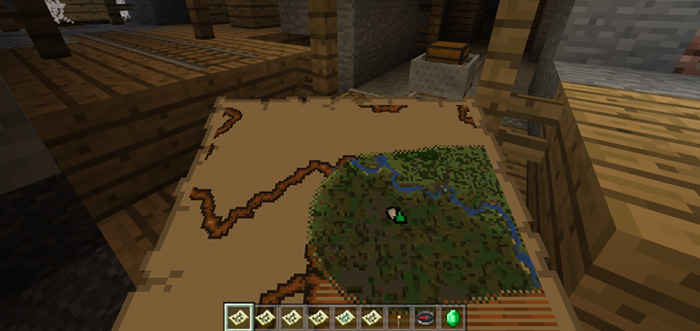
You can then use the maps to find different types of generated structures in Minecraft. For example, by using one of the maps I managed to find a mineshaft.
And by using another map I found an igloo. That map was actually meant for locating a temple, so I’m not entirely sure what happened here. Either way, it did help me find something which is better than nothing.
How to install CartographerPlus
- Download the .mcpack file using the button on this page.
- Open the downloaded file with Minecraft Bedrock Edition.
- Wait for Minecraft to confirm that the import has completed.
- Activate the imported pack in the world settings.
- Back up important worlds before installing community content.
Download CartographerPlus Mobs for free


